

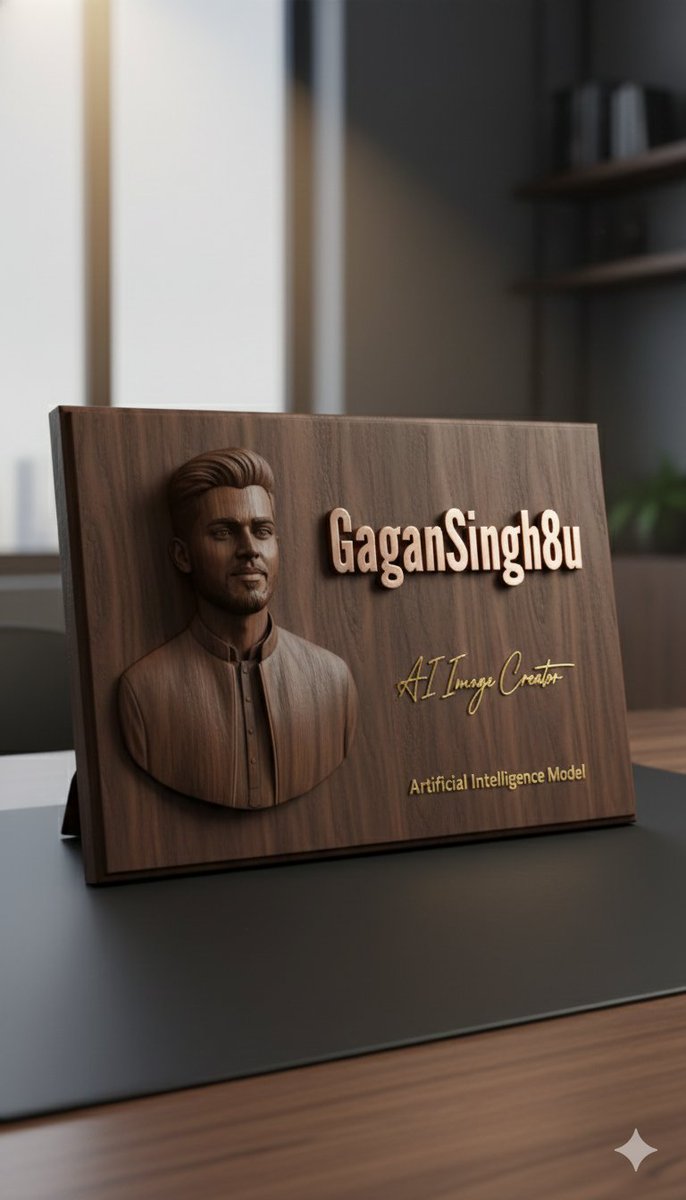
Use the uploaded reference image to create a 3D embossed portrait on a premium object.
Generate a hyper-realistic close-up 3D rendering of a dark walnut wooden executive plaque resting on a smooth black leather desk pad.
Left side: finely sculpted 3D relief of a professional persona (based on the uploaded reference), showing realistic textures, depth, and subtle shadows.
Right side: elegant raised rose-gold metallic text in bold modern font reading “[name]”, with a polished reflective surface.
Below the main text: a handwritten-style signature in gold reading “[signature title]”, and under that, smaller engraved gold text reading “Artificial Intelligence Model”, perfectly centered.
Lighting: soft warm spotlight from top-left, highlighting wood grains and metallic reflections, with realistic soft shadows around the edges.
Background: minimalist office environment, softly blurred to keep focus on the plaque.
Style: ultra-realistic 3D, photorealistic wood and metal textures, luxurious, high-end executive look.
Camera: close-up, slight top-left angle, focus on embossed portrait and metallic text, shallow depth of field, vertical 9:16 aspect ratio.



0 Comments
👥 Co-learning Circle 0
Observe other members' variables & configurations, and click "Study & Retry" to instantly import settings and practice!