

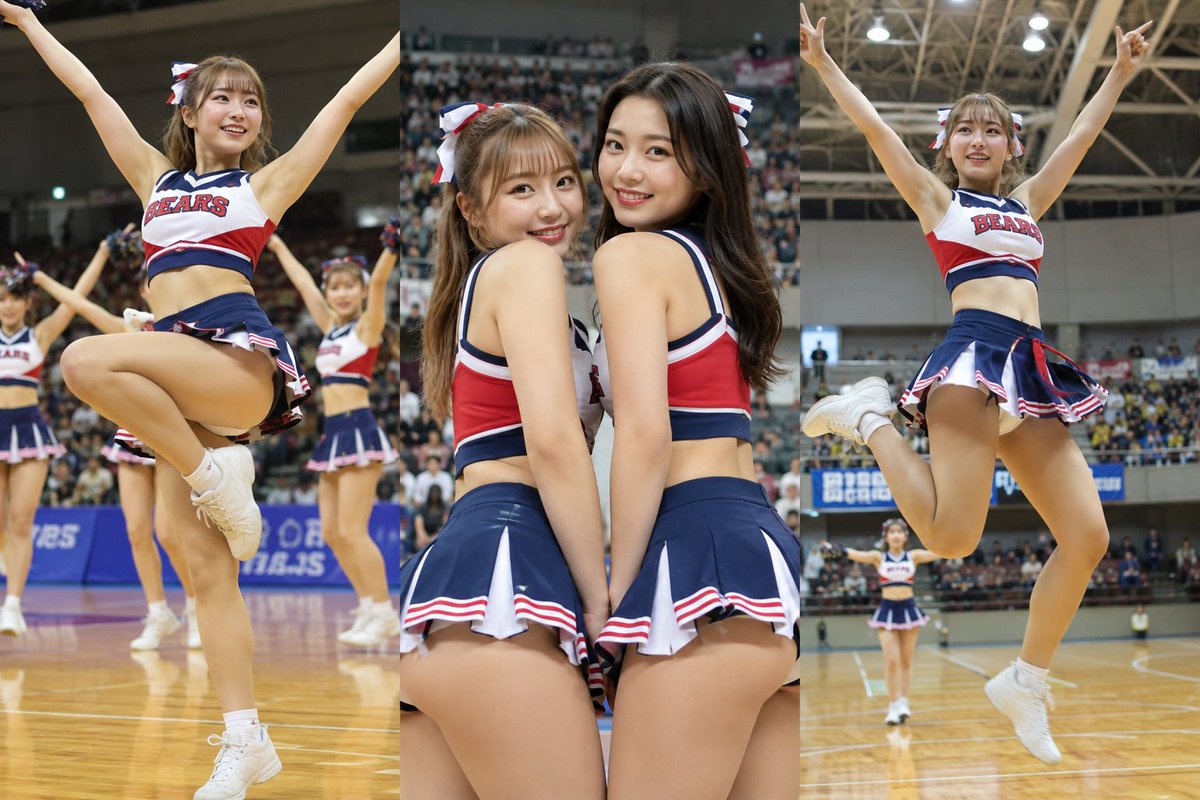
Create a realistic high-resolution sports event photograph of [team name] cheerleaders performing during a basketball game inside a large indoor arena. Show exactly 7 adult female cheerleaders: 2 central foreground cheerleaders standing very close together with their backs and shoulders angled toward the camera, wearing matching navy, white, and red cropped cheer tops and pleated mini skirts; 2 main jumpers at the far left and far right with arms raised in a V pose, one leg bent behind or lifted, white sneakers and white socks; 1 background cheerleader near center-left mid-jump; 1 partial cheerleader cropped at the far left edge; and 1 small distant cheerleader standing near the back of the court. The uniforms should be navy blue with red and white trim, pleated skirts, white athletic shoes, and red-white-blue hair bows, with the word [uniform text] clearly printed on the front of the visible tops. Set the scene on a glossy wooden basketball court with court lines and reflections, crowded stadium seating, overhead steel trusses, bright arena lights, and blue advertising boards in the background. Use dynamic action photography, wide-angle perspective, shallow depth of field, natural indoor lighting, crisp fabric detail, energetic game-day atmosphere, and realistic motion poses. Keep all performers clearly adult, avoid logos other than the customizable team text, and do not add extra people in the foreground.



0 Comments
👥 Co-learning Circle 0
Observe other members' variables & configurations, and click "Study & Retry" to instantly import settings and practice!