

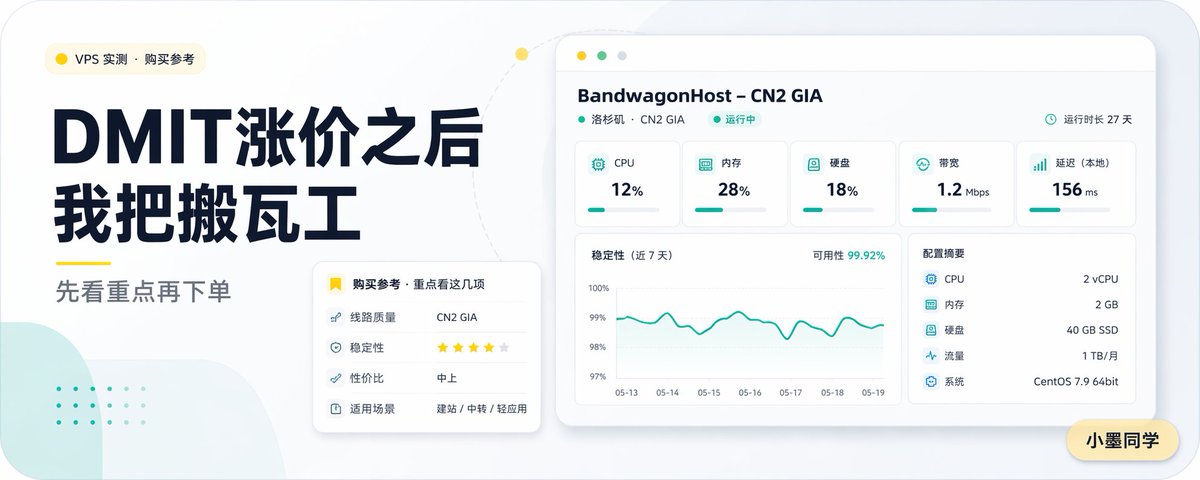
Create a clean modern Chinese tech blog cover in a wide 16:9 layout with a soft light-gray background, rounded-corner canvas, and minimalist dashboard aesthetic. On the left, place a small rounded category pill near the top with a yellow dot icon and the text “VPS 实测 · 购买参考”. Below it, set a very large bold dark navy Chinese headline in two stacked lines: “DMIT涨价之后” and “我把搬瓦工”. Under the headline, add a short yellow underline accent and then a medium-gray subheading reading “先看重点再下单”. The typography should feel premium, editorial, and highly legible, with strong contrast and generous spacing. On the right, show a floating desktop-app style server monitoring panel with a white card body, subtle shadow, rounded corners, and a pale beige browser top bar with three small circular window buttons. The panel header should read “BandwagonHost – CN2 GIA”, with a smaller line underneath “洛杉矶 · CN2 GIA” and a green status label “运行中”, plus on the top-right a small clock icon and the text “运行时长 27 天”. Inside the panel, include exactly 5 metric cards across the top row labeled “CPU” showing “12%”, “内存” showing “28%”, “硬盘” showing “18%”, “带宽” showing “1.2 Mbps”, and “延迟(本地)” showing “156 ms”, each with a small teal icon and a thin teal progress bar. Below, place a large line chart card on the left titled “稳定性(近 7 天)” with a top-right annotation “可用性 99.92%”, a teal fluctuating line, a vertical scale from 97% to 100%, and date labels from “05-13” through “05-19”. To the right of the chart, add a specs card titled “配置摘要” listing exactly 5 rows: “CPU 2 vCPU”, “内存 2 GB”, “硬盘 40 GB SSD”, “流量 1 TB/月”, and “系统 CentOS 7.9 64bit”. In the lower-left area overlapping between the text block and the dashboard, add a smaller white recommendation card with rounded corners and shadow. Its title line should include a yellow bookmark icon and read “购买参考 · 重点看这几项”. Inside, list exactly 4 rows: “线路质量 CN2 GIA”, “稳定性 ★★★★☆”, “性价比 中上”, and “适用场景 建站 / 中转 / 轻应用”. Add soft decorative elements in the background: a pale mint abstract rounded shape in the bottom-left corner, a faint dotted mint pattern above it, and a light dotted curved connector line arcing from the left text area toward the top of the dashboard, with a small yellow dot on the curve. Place a small rounded yellow name tag in the bottom-right corner of the canvas with the text “小墨同学”. Use a restrained palette of dark navy, teal, yellow, white, and light gray, with crisp vector-style rendering, subtle shadows, spacious composition, and a polished AI-generated editorial cover look for a VPS comparison article.



0 Comments
👥 Co-learning Circle 0
Observe other members' variables & configurations, and click "Study & Retry" to instantly import settings and practice!