

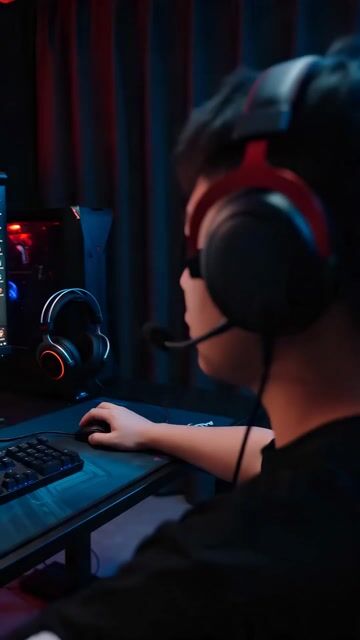
Generate a 15-second high-energy creative gaming short film with deep voice-over narration, focusing on storyboard arrangement and smooth transitions. [Camera and Transition Arrangement] 0-5s: Handheld camera quickly zooms in on a monitor flashing red RGB lights. When the character on screen raises their hand, use 'action match transition' to seamlessly transition to a real-life male player standing up and reaching toward the camera. Camera movement must maintain continuous forward thrust. 5-8s: The moment the player's hand covers the lens, smoothly cut into the CG world via 'black screen transition'. A golden skeleton warrior appears in the dark, with slow motion showing the left hand bursting with golden particles. 8-15s: Use 'Jump Cuts' to the rhythm to show multi-angle close-ups of the character. The final frame gradually darkens, echoing the opening color tone to form a visual loop. [Visual and Transition Quality] Maintain cinematic realism and high contrast throughout. Transitions must be smooth without jumps, and character movements must be naturally connected. [Narration and Sound Design] 1. Use a deep, magnetic, slightly raspy male narration with a steady, storytelling pace. 2. Narration content: 'At the intersection of reality and illusion, the only thing real is the desire for battle.' 3. Sound Design: Precise timing between visual rhythm, narration emphasis, and background effects. A 5s energy burst should coincide with shocking sub-bass.



0 Comments
👥 Co-learning Circle 0
Observe other members' variables & configurations, and click "Study & Retry" to instantly import settings and practice!