

[AI Instruction: Image → SD Papercraft Conversion]

Analyze the [Input Image].

Extraction: Read the facial features, hairstyle, hair color, clothing, accessories, and pose of the person/character from the [Input Image].
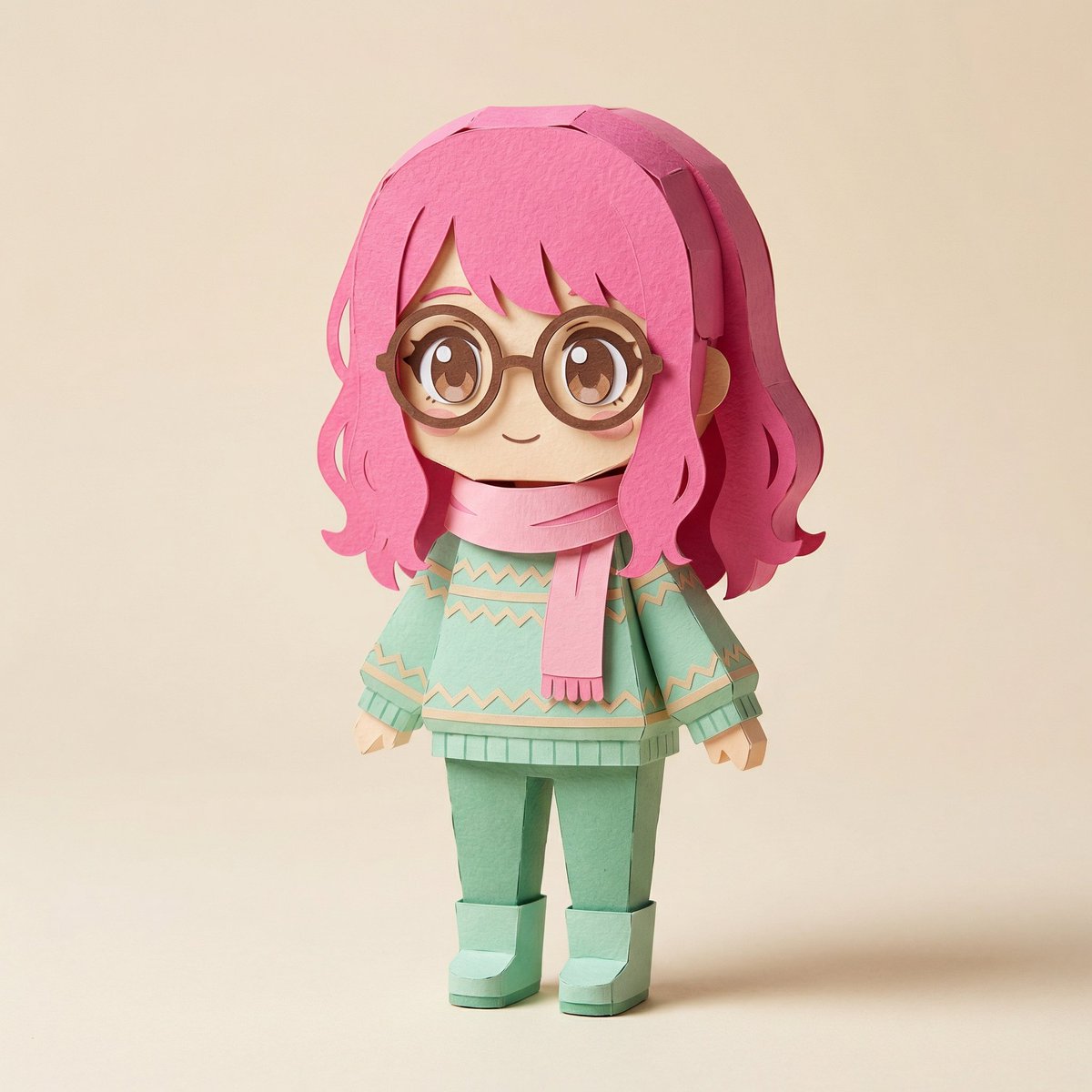
SD Conversion: Convert into a Super Deformed (SD) character papercraft, 2-3 heads tall.
Output: Generate two images.
[Image 1: Unfolded Template/Parts]
The unfolded state of the papercraft. Colorful parts printed on thick paper. Unfolded templates for the head, face, hair, torso, arms, legs, accessories, etc. Fold lines (dotted lines), glue tabs, and numbers are visible. Scissors, cutters, glue, and a cutting mat are scattered in the background. Overhead view composition. Do not display any company names or logos.

[Image 2: Finished Product]
The assembled three-dimensional papercraft. SD character, 2-3 heads tall. Hairstyle, hair color, clothing, and accessories are reproduced based on the input image. Paper texture, folds, rounded corners, and a handmade warmth. Composition and lighting suitable for product promotion photography.

[Caution]
Do not include any real company names, brand logos, or trademarks.

[Atmosphere]
Quality similar to photos in craft magazines or handmade works. Soft studio lighting, clean background. High resolution.



0 Comments
👥 Co-learning Circle 0
Observe other members' variables & configurations, and click "Study & Retry" to instantly import settings and practice!