

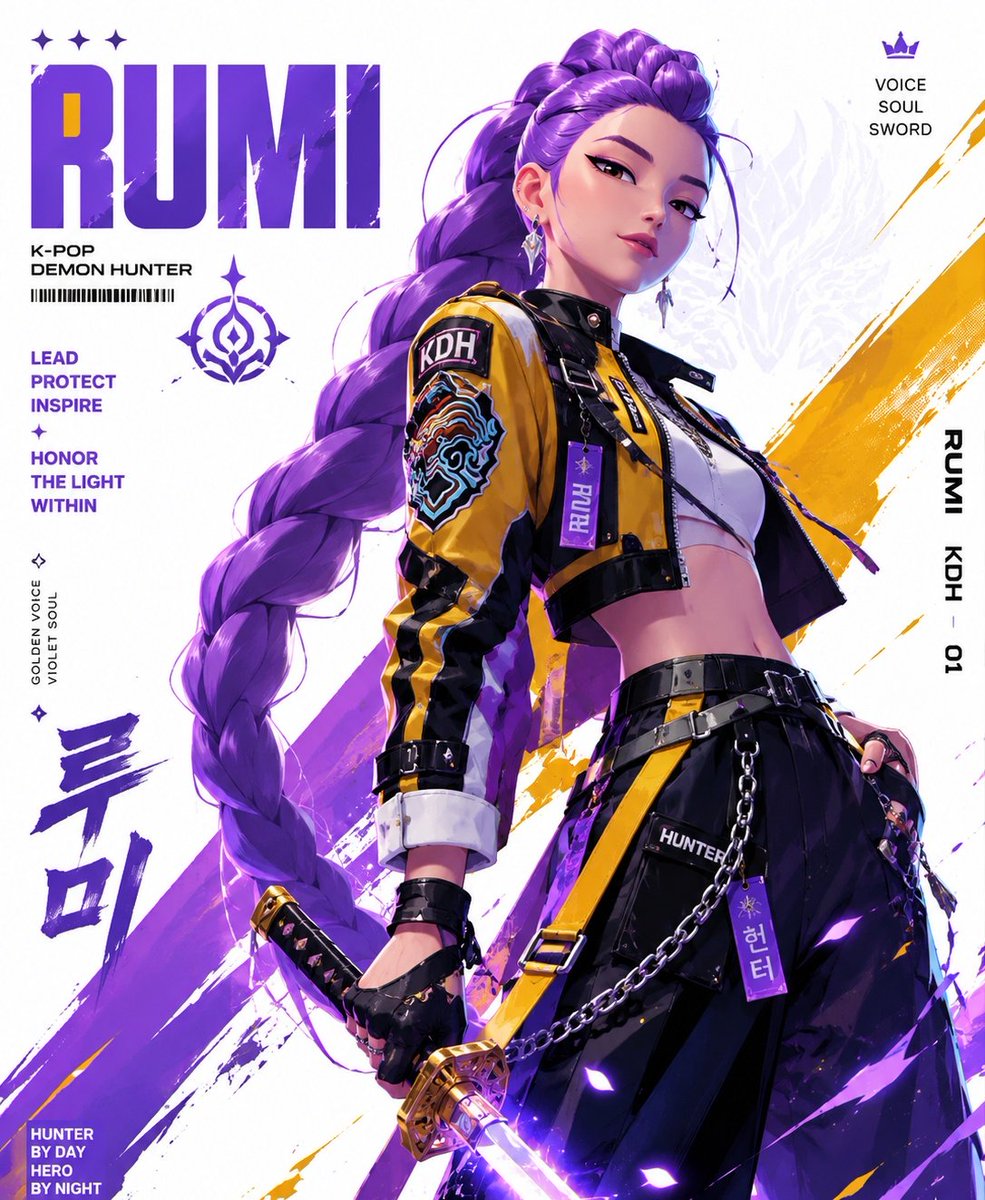
Create a stylized illustration of [character]
Character Direction
Analyze the character’s canon personality and translate it into a clear visual archetype (confident, unpredictable, calm, dangerous, etc.).
Identify the character’s signature color palette from the original design and use it as the dominant visual accent throughout the artwork.
Pose & Movement
Design a pose that instantly communicates the character’s nature:
Heroic / energetic → explosive movement, open stance, dynamic action
Calm / composed → relaxed posture, controlled motion, confident balance
Dark / mysterious → lowered stance, hidden intensity, sharp gaze
Aggressive / intense → attack-ready posture, tension in body language, clenched fists
Facial Expression
Keep the expression fully aligned with the character’s emotional identity and canon personality.
Visual Style
Anime-inspired illustration mixed with streetwear fashion and graphic poster aesthetics.
Use crisp linework, semi-flat rendering, bold contrast, and a polished modern finish.
Composition
Vertical 3:4 poster layout
Character positioned slightly off-center
Strong diagonal composition for movement
Foreground/background layering to create depth
Outfit Redesign
Transform the original costume into a [fashion style] while preserving recognizable character elements and silhouette cues.
Color Direction
Predominantly white background
Signature character color as the main accent
One additional complementary or analogous accent color
Minimal but striking high-contrast palette
Background Design
Abstract geometric poster-style backdrop with clean negative space.
Incorporate subtle visual motifs inspired by the character’s color identity.
Effects & Motion
Add stylized motion streaks, paint textures, energy trails, and graphic accents that match the character’s aura and color theme.
Lighting
Directional cinematic lighting with sharp shadows and a soft colored glow using the signature accent tone.
Rendering
Ultra-clean vector-inspired rendering, poster-grade composition, highly detailed, sharp 4K finish.



0 Comments
👥 Co-learning Circle 0
Observe other members' variables & configurations, and click "Study & Retry" to instantly import settings and practice!