

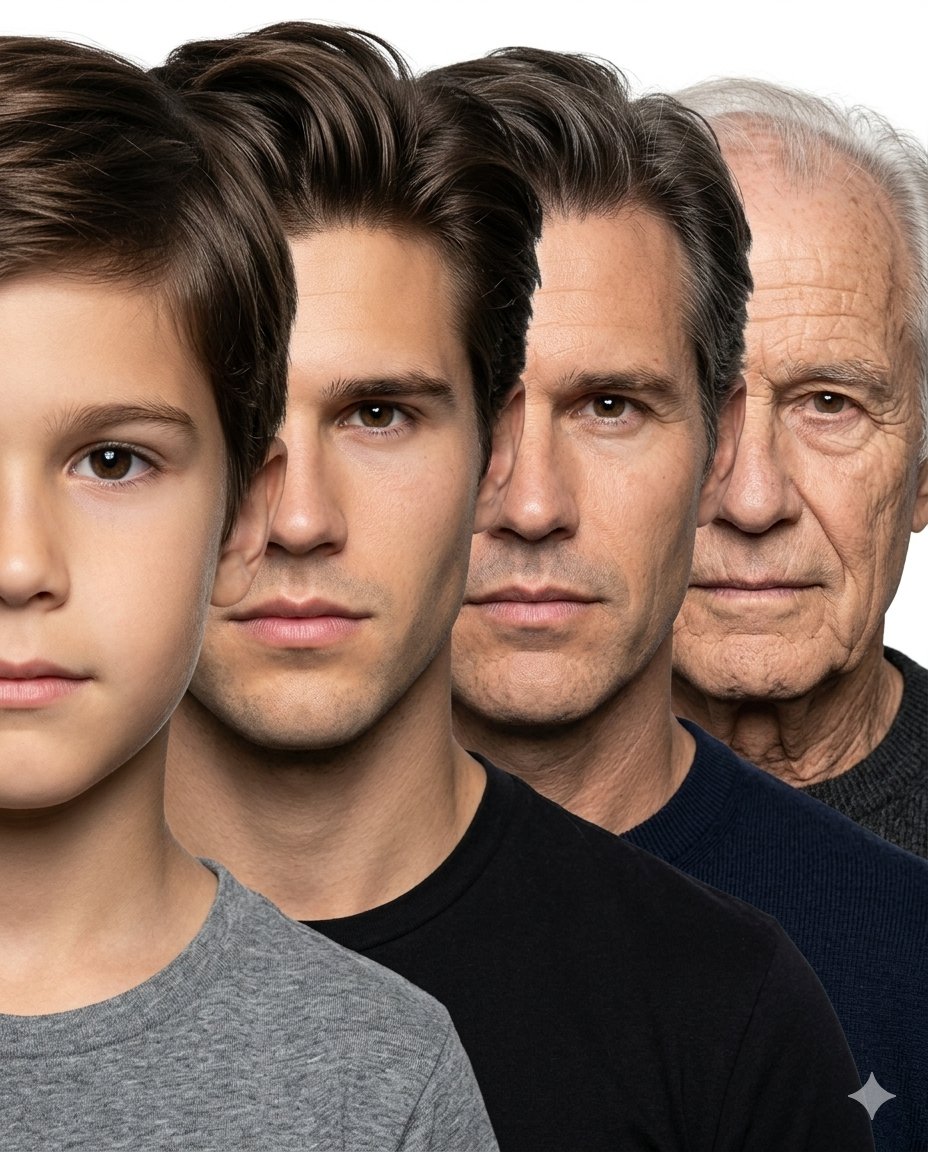
Create a hyper-realistic age progression portrait sequence of the same male individual across [stages]. Use the attached child’s face as the exact identity reference for the youngest stage and ensure every age stage looks like the exact same person naturally aging over time, preserving identical facial structure, nose shape, eye color, jawline, skin tone, eyebrow structure, lips, and facial proportions consistently across all ages. Arrange all four faces in a tightly compressed overlapping side-stacked composition exactly like a professional photographic age progression lineup. Each face should be front-facing, tightly cropped, and positioned slightly behind the previous one from front to back, creating a smooth layered progression from youngest to oldest. Maintain nearly equal face scale across all stages with minimal perspective distortion. Faces should overlap naturally and remain very close together with clean simple spacing, similar to a studio portrait stacking composition. No geometric panels, no cinematic scene composition, no excessive depth effect, no dramatic perspective. Pure white seamless studio background, soft neutral studio lighting, realistic skin texture, natural aging details, plain neutral clothing, ultra photo-realistic, highly detailed, sharp focus, professional portrait photography, seamless identity consistency across all ages. No corp. Aspect ratio 4:5, no text, no logo.



0 Comments
👥 Co-learning Circle 0
Observe other members' variables & configurations, and click "Study & Retry" to instantly import settings and practice!