

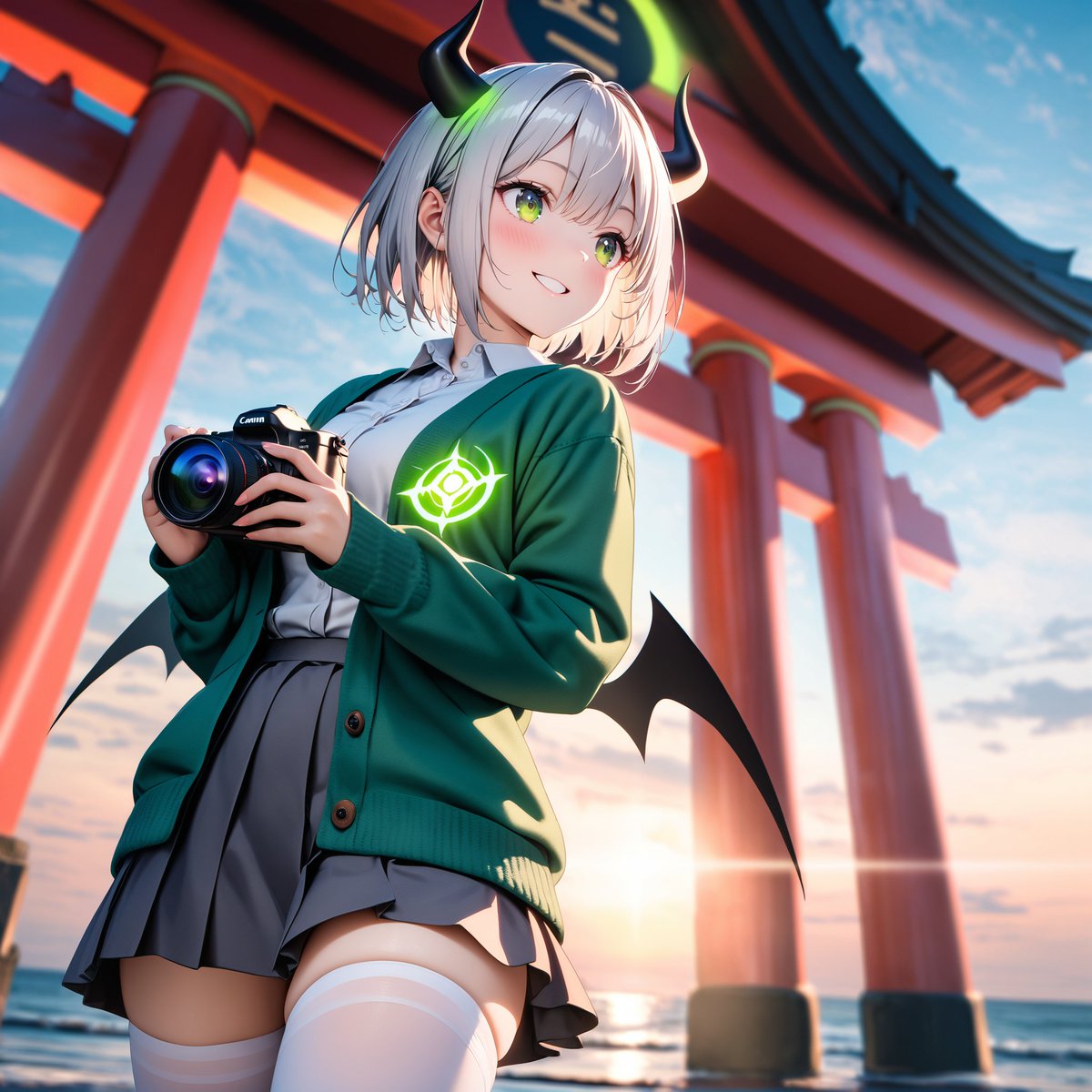
Using REFERENCE_0 as the design motif, transform the robot model into a cute anime-style gijinka girl while keeping only the recognizable color inspiration and mecha identity: deep green/brown outerwear, tan/gray uniform tones, claw/monster-like silhouette cues, and a glowing mono-eye-style emblem. Replace the toy/table setting with a dramatic outdoor scene at a seaside shrine during sunset, with large red torii gate pillars behind her and the ocean horizon visible. Add a handheld black Canon-style camera in her hands as if she is taking photos. Give the character exactly 2 black curved horns with neon green glow accents, exactly 2 small black bat-like wings, short white/silver hair, a green cardigan over a white shirt and gray pleated skirt, white thigh-high socks, and a glowing green emblem on the cardigan chest. Cover the character's face with a plain beige square censor block so facial features are hidden. Render as polished high-detail anime illustration with cinematic lighting, low-angle composition, vivid colors, shallow depth of field, and no visible toy/plastic texture. Optional customization: [character style], [location], [held object], [glowing emblem color], [face censor].



0 Comments
👥 Co-learning Circle 0
Observe other members' variables & configurations, and click "Study & Retry" to instantly import settings and practice!