

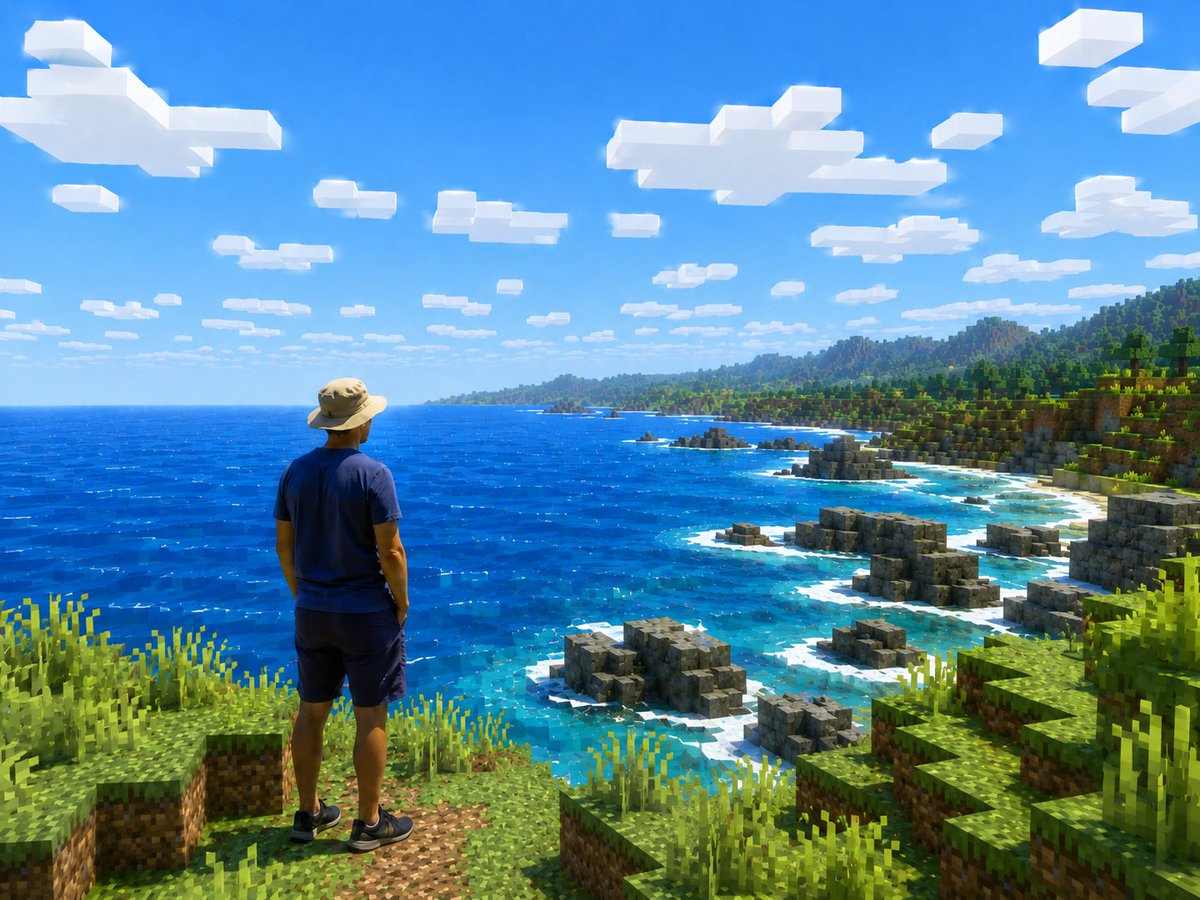
Create a realistic travel-photo composition transformed into a Minecraft-style open-world screenshot. Show one human figure viewed from behind, standing near the lower left foreground on a grassy blocky cliff, looking out over a vast bright blue ocean and rugged voxel coastline. The person should remain photorealistic and natural, wearing [outfit], with relaxed posture and hands by the sides, facing the scenery. The entire environment must be rendered as Minecraft-like cubic blocks: square grass and dirt ledges in the foreground, tall pixelated grass clumps, stepped rocky gray block formations along the shore, turquoise shallow water with white surf around the rocks, a deep cobalt ocean stretching to the horizon, and a green blocky forested coastline with hills and mountains in the distance. Use [scene location] as the setting. The sky is vivid clear blue with exactly many flat rectangular white voxel clouds scattered across the upper half, strong midday sunlight, saturated colors, crisp shadows, and high contrast. Camera angle is a wide landscape view from slightly behind and above the person, emphasizing scale and adventure, like a screenshot from an upgraded high-resolution Minecraft shader pack mixed with a real person. Keep the person anatomically realistic, not blocky, while all terrain, water edges, rocks, plants, clouds, and distant mountains are voxel/block-based. No text, no UI, no watermark.



0 Comments
👥 Co-learning Circle 0
Observe other members' variables & configurations, and click "Study & Retry" to instantly import settings and practice!