

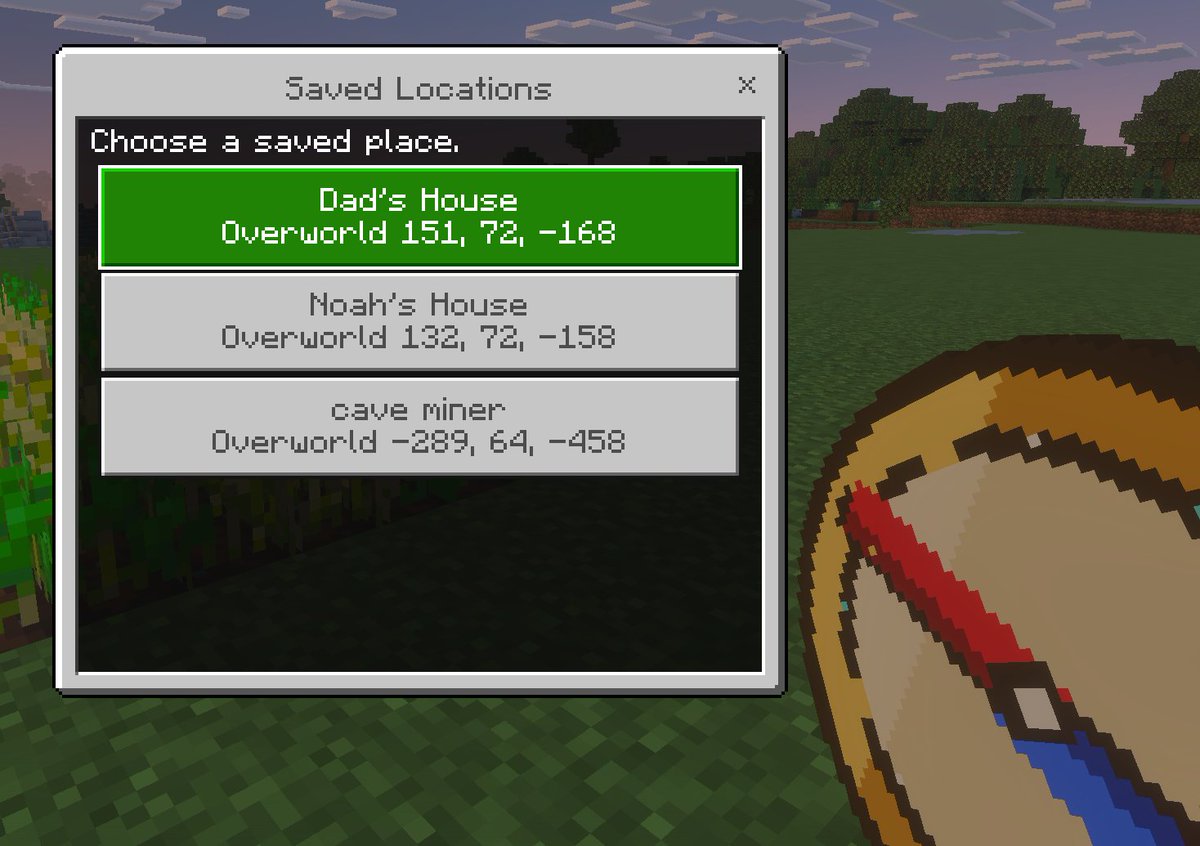
A clean Minecraft Bedrock-style game UI mockup shown as a first-person in-game screenshot at dusk. The background is a blocky grassy field with pixelated trees, a soft purple-blue evening sky, and a small patch of crops on the far left edge. In the lower right foreground, show a large pixel-art compass item held in the player’s hand, angled diagonally upward, with a tan face, dark brown rim, red needle, and blue tip. Center-left, overlay a rectangular Minecraft menu window with a light gray frame, thin dark border, and a black translucent interior panel. At the top of the window, a title bar reads [window title] in a Minecraft-inspired pixel font, with a small x close button on the top right. Inside the panel, add the instruction text [instruction text] near the top left. Below it, display exactly 3 stacked destination buttons, each wide and centered. The first button is highlighted bright green with white pixel text and contains 2 lines: [location 1 name] and "Overworld 151, 72, -168". The second button is light gray with darker gray text and contains 2 lines: "Noah's House" and "Overworld 132, 72, -158". The third button is light gray with darker gray text and contains 2 lines: [location 3 name] and "Overworld -289, 64, -458". Use crisp pixel edges, retro voxel-game aesthetics, subtle screen depth, and an authentic Minecraft Bedrock menu look.



0 Comments
👥 Co-learning Circle 0
Observe other members' variables & configurations, and click "Study & Retry" to instantly import settings and practice!