

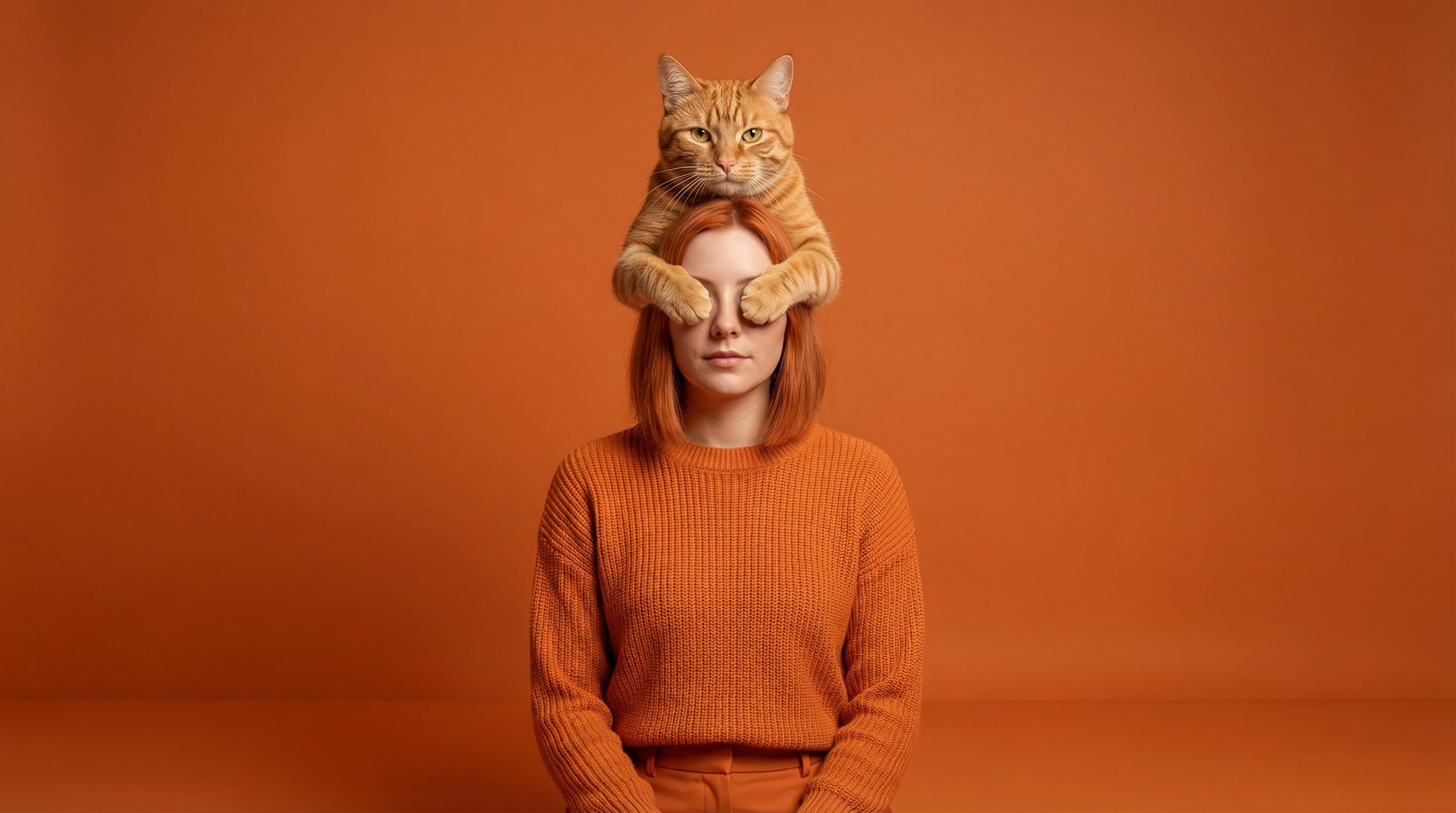
Make a single-frame professional studio photo output; set high resolution.

Use the person from the uploaded reference photo as the subject; preserve facial structure, body proportions, and realism.

Set a controlled studio environment dominated by a monochromatic orange tonal world.

Place the subject facing directly toward the camera, wearing a fully orange outfit that integrates naturally with the environment while keeping skin tones neutral and realistic.

Place exactly one realistic orange cat positioned directly above and centered over the subject’s head, fully inside the frame with comfortable headroom.

Show the cat’s two front paws symmetrically reaching forward to fully cover both of the subject’s eyes while the cat’s head and gaze are oriented directly toward the camera, as if posing knowingly for the portrait.

Use a clean studio portrait framing with centered composition, straight-on camera axis, and frozen moment timing.

Use soft professional studio lighting that bathes the environment, clothing, and cat in orange tones while keeping the human subject’s skin tones natural and unaltered.

Preserve photographic realism, believable scale between cat and human, clear eye coverage with paws, and intentional eye contact from the cat toward the camera.

Do not add a second cat, do not angle the cat’s head away from the camera, do not crop or cut off any part of the cat or paws, do not cover only one eye, do not alter the subject’s identity, do not stylize the human figure, do not apply orange color grading to skin, do not add text, logos, UI elements, surreal distortion, cartoon style, or fantasy aesthetics.



0 Comments
👥 Co-learning Circle 0
Observe other members' variables & configurations, and click "Study & Retry" to instantly import settings and practice!