

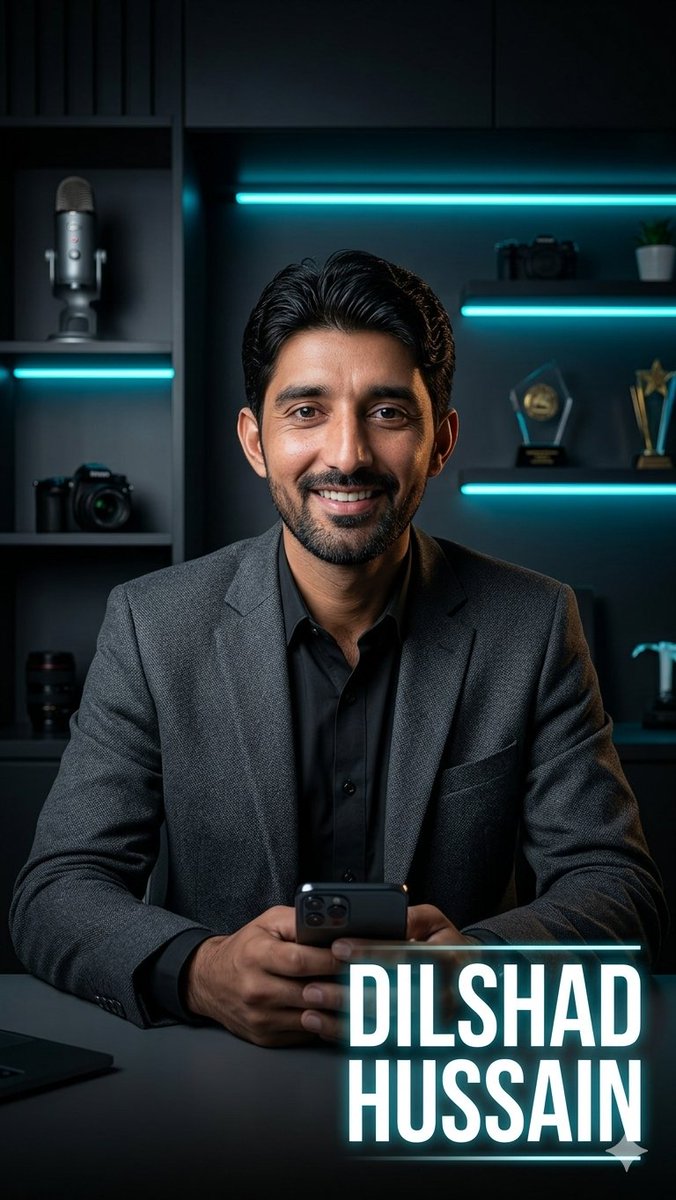
Create a cinematic vertical portrait of a confident male tech entrepreneur seated at a dark desk in a modern studio office, centered in the frame from mid-torso up. He wears a textured [blazer color] blazer over a black button-up shirt, with neatly slicked-back black hair, hands clasped around a smartphone at the bottom center. The face area should be covered by a plain rectangular skin-tone placeholder block, as if reserved for a face-swap or uploaded portrait. The background is a moody black shelving wall with teal cyan LED strip lights: one long horizontal light behind the head, another on a left shelf, and two on the right shelves. Include visible studio props on the shelves: one large podcast microphone on the upper left, one camera on the middle left, one camera lens on the lower left, a camera and small plant on the upper right, two awards/trophies on the middle right, and a small metallic desk object on the lower right. Use dramatic low-key lighting, teal rim light, realistic shadows, glossy highlights, shallow depth of field, premium corporate branding aesthetic, ultra-realistic photography, sharp focus on the suit and hands. Add a bold glowing name title in the lower-right corner reading [name text], in large condensed white uppercase sans-serif letters with a cyan neon glow, thin cyan horizontal line above and below the text, and a small triangular accent under the lower line. Aspect ratio 9:16, high resolution, social-media poster style.



0 Comments
👥 Co-learning Circle 0
Observe other members' variables & configurations, and click "Study & Retry" to instantly import settings and practice!