

[CITY_NAME] = city name
[YEAR] = year

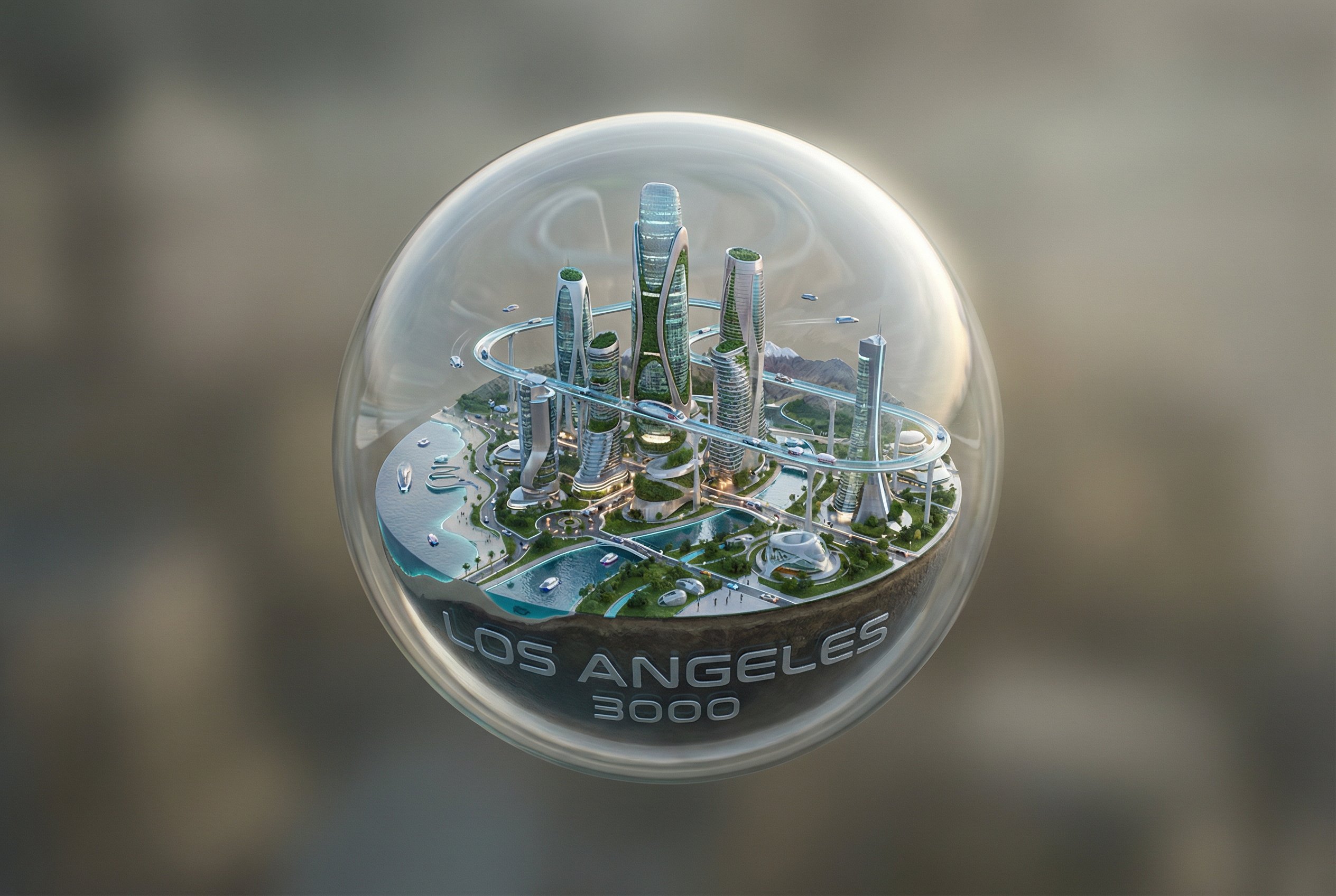
Make a cinematic 3D miniature city diorama for temporal visualization in 1:1 aspect ratio.
Use a virtual cinematic camera with a slight top-down angle and realistic depth of field.
Set the scene as a suspended time capsule environment isolated from the present.
Enclose the entire miniature city inside a perfectly complete transparent spherical glass orb.
Ensure the sphere is fully closed with no cut, base, stand, pedestal, wood, or external support.
Keep the spherical form perfectly centered and visually dominant in the frame.
Show the city floating freely inside the sphere as a single cohesive landmass.
Show the city frozen exactly as it exists in [YEAR] with no elements from other time periods.
Render [CITY_NAME] with architecture, streets, landmarks, and urban density accurate to that year.
Adapt materials, construction techniques, technology level, and city layout to the specified time.
Show terrain, coastline, rivers, vegetation, and infrastructure as they would appear in that year.
Include subtle signs of life appropriate to the time such as people, vehicles, animals, or vessels when contextually plausible.
Use physically based rendering with realistic stone, wood, metal, glass, earth, and fabric textures suited to the era.
Apply soft global illumination with a cinematic light matching the temporal atmosphere.
Add a gentle rim light around the outer edge of the sphere to clearly define its silhouette.
Preserve subtle reflections and refractions on the spherical surface with minimal visual distortion.
Place all title text directly on the surface of the sphere as an overlay, not floating above or outside it.
Align the text to follow the curvature of the sphere while remaining legible.
Write the city’s name exactly as it was used in [YEAR] as the main title text on the sphere surface.
If [YEAR] refers to a past year, write the modern official city name in parentheses directly beneath the historical name on the sphere surface.
If [YEAR] refers to a future year, display only the primary city name with no secondary name.
Place the year text directly beneath the city name or names as part of the same curved title block on the sphere.
Ensure the final image feels iconic, timeless, and cinematically powerful.



0 Comments
👥 Co-learning Circle 0
Observe other members' variables & configurations, and click "Study & Retry" to instantly import settings and practice!