

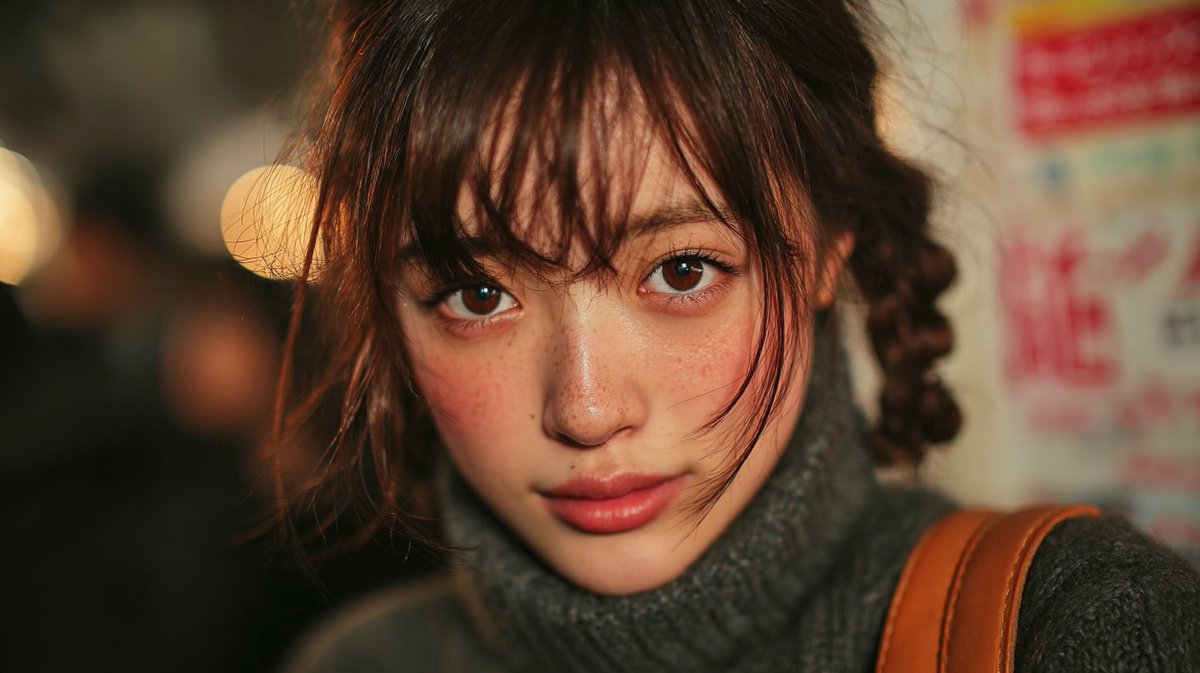
Reproduce the unique texture of a 2000s-era compact digital camera (digicam) onto the uploaded photo. Maintain the original subject, pose, background, and composition exactly as they are. The overall atmosphere should be quiet, intimate, and cinematic. Merge soft melancholy with the natural beauty found in fashion magazines.

The lighting should be natural light from the Golden Hour. Apply strong directional light from the top-left to cast dramatic shadows on the face and chest. Enhance the contrast between bright areas and soft shadows to increase the dreamlike yet realistic texture. The lighting should emphasize a warm, bright skin tone with a healthy glow.

Add gentle film grain and render with minimal retouching. Suppress highlights and apply color grading based on warm whites with a slightly pastel tint. Skin should avoid overexposure, maintaining a natural, bright, gentle peach tone. The photo should retain the visual characteristics of a [camera model en], emphasizing sharp yet soft details, natural texture, and warm dynamic range. If the image is blurry, perform upscaling.

Strict adherence: The face and the "subject's hair."



0 Comments
👥 Co-learning Circle 0
Observe other members' variables & configurations, and click "Study & Retry" to instantly import settings and practice!