

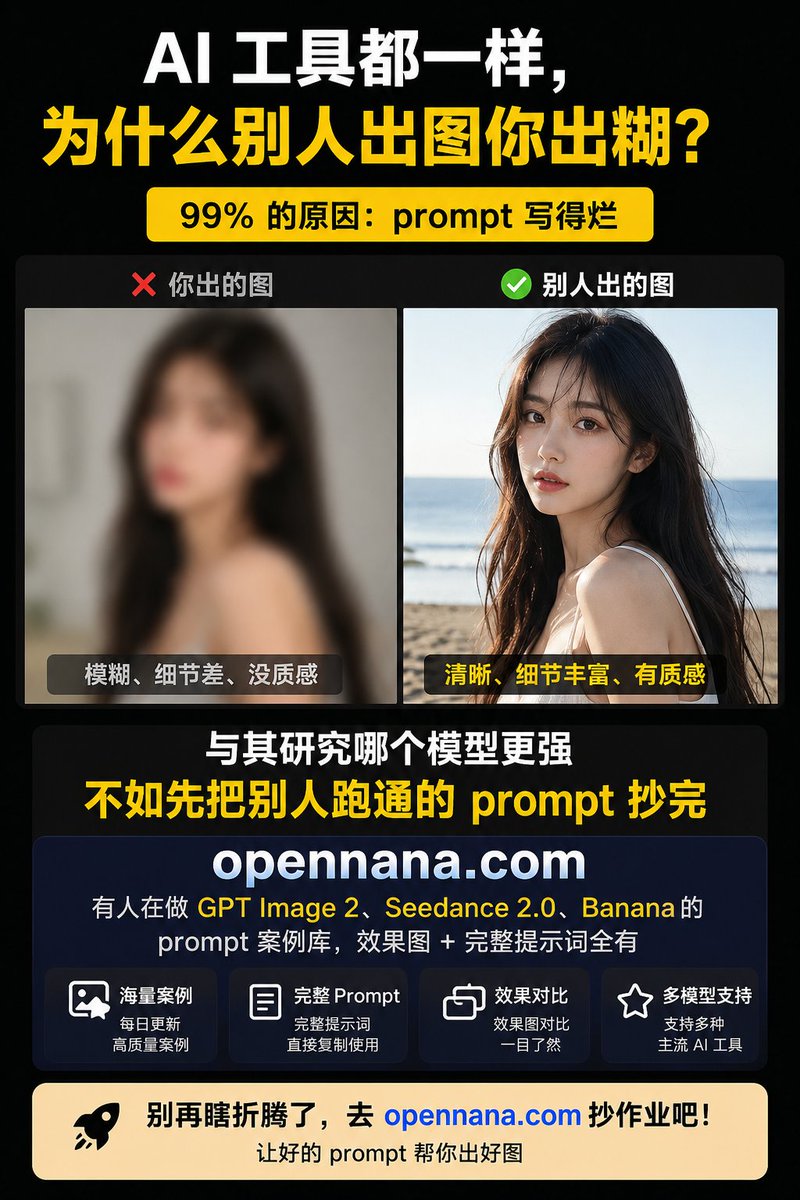
{"type":"Chinese vertical social media promotional infographic poster","canvas":{"aspect_ratio":"3:4","size":"768x1024","background":"solid black with subtle dark gradient","style":"high-contrast tech marketing, bold typography, clean card layout"},"theme":{"primary_colors":["black","white","bright yellow"],"accent_colors":["red","green","deep navy","warm cream","blue link"],"typography":"heavy bold sans-serif Chinese headline, large condensed display text, rounded card labels"},"headline_section":{"position":"top","text_lines":[{"text":"AI 工具都一样,","color":"white","size":"very large"},{"text":"为什么别人出图你出糊?","color":"bright yellow","size":"very large"}],"badge":{"text":"99% 的原因:prompt 写得烂","position":"below headline","style":"rounded yellow pill with black bold text"}},"comparison_section":{"position":"upper middle","container":"dark rounded rectangle","count":2,"panels":[{"label":"❌ 你出的图","position":"left","image_description":"intentionally blurry low-quality portrait of a young woman with long dark hair indoors, face covered by a square mosaic privacy block, muted gray background","bottom_caption":"模糊、细节差、没质感","caption_style":"dark translucent rounded label with white text"},{"label":"✅ 别人出的图","position":"right","image_description":"clear detailed lifestyle portrait of a young woman with long dark hair at a sunny beach, ocean horizon in background, face covered by a square mosaic privacy block, warm natural light, high texture and detail","bottom_caption":"清晰、细节丰富、有质感","caption_style":"dark translucent rounded label with yellow text"}]},"middle_message":{"position":"center below comparison","count":2,"lines":[{"text":"与其研究哪个模型更强","color":"white","size":"large bold"},{"text":"不如先把别人跑通的 prompt 抄完","color":"bright yellow","size":"extra large bold"}]},"product_card":{"position":"lower middle","style":"large deep navy rounded rectangle card with subtle border","brand":"{argument name=\"website domain\" default=\"opennana.com\"}","brand_style":"very large white bold centered domain","description_text":"有人在做 GPT Image 2、 Seedance 2.0、 Banana 的\nprompt 案例库,效果图 + 完整提示词全有","highlight_terms":["GPT Image 2","Seedance 2.0","Banana"],"feature_boxes":{"count":4,"items":[{"icon":"image/photo outline icon","title":"海量案例","subtitle":"每日更新\n高质量案例"},{"icon":"document outline icon","title":"完整 Prompt","subtitle":"完整提示词\n直接复制使用"},{"icon":"overlapping squares comparison icon","title":"效果对比","subtitle":"效果图对比\n一目了然"},{"icon":"star outline icon","title":"多模型支持","subtitle":"支持多种\n主流 AI 工具"}]}},"call_to_action":{"position":"bottom","style":"wide warm cream rounded banner","left_icon":"black rocket icon","main_text":"别再瞎折腾了,去 {argument name=\"website domain\" default=\"opennana.com\"} 抄作业吧!","main_text_color":"black with domain in bright blue","sub_text":"让好的 prompt 帮你出好图","sub_text_color":"black"},"composition_notes":"Use tight margins, centered alignment, strong hierarchy, large readable Chinese text, two photographic example panels, no extra decorations beyond icons and rounded cards, poster optimized for mobile social feed readability."}



0 Comments
👥 Co-learning Circle 0
Observe other members' variables & configurations, and click "Study & Retry" to instantly import settings and practice!