

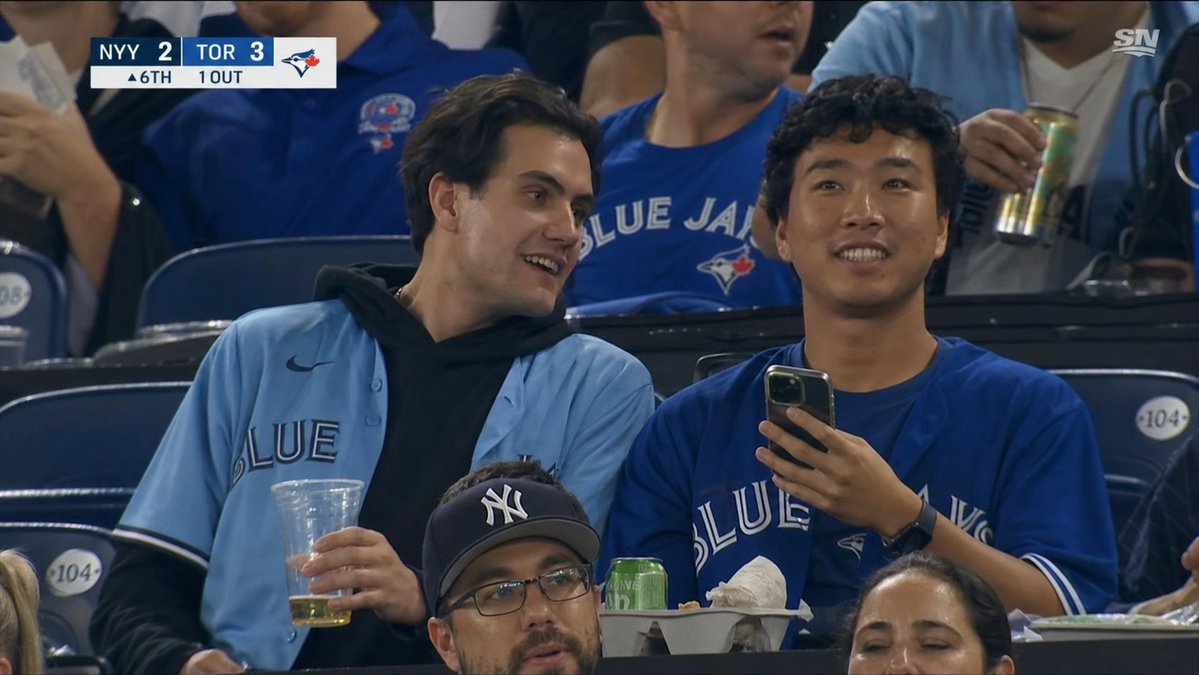
Create a realistic broadcast-quality television screenshot from a Major League Baseball game in the stands at a Toronto Blue Jays home game, as if captured from a Sportsnet live feed. The scene shows [number of main fans] young male fans seated in dark blue stadium seats, centered in the frame, both with their faces covered by plain dark-brown rectangular privacy masks. The left fan has medium dark hair and wears a light powder-blue Blue Jays button-up jersey over a black hoodie, holding a clear plastic cup with a small amount of beer; the right fan wears a royal-blue Blue Jays jersey, holds a smartphone upright in one hand, and has a black smartwatch. In the foreground, partially cropped spectators include two additional visible dark-brown face-cover rectangles, making [number of privacy masks] total privacy masks in the image. Around them are other fans in Blue Jays shirts, one holding a tall can, plus stadium seat number plaques reading 104, a snack tray with food, a green can, and crumpled napkins. Add an authentic TV scoreboard graphic in the top-left corner with [away team score], [home team score], the Blue Jays logo, and a lower status row reading [inning and outs]. Add a small white [network logo] logo in the top-right corner. Use documentary sports-broadcast framing, slight telephoto compression, arena lighting, realistic crowd blur, sharp jerseys and hands, 16:9 aspect ratio, no cinematic filters, no illustration style.



0 Comments
👥 Co-learning Circle 0
Observe other members' variables & configurations, and click "Study & Retry" to instantly import settings and practice!