

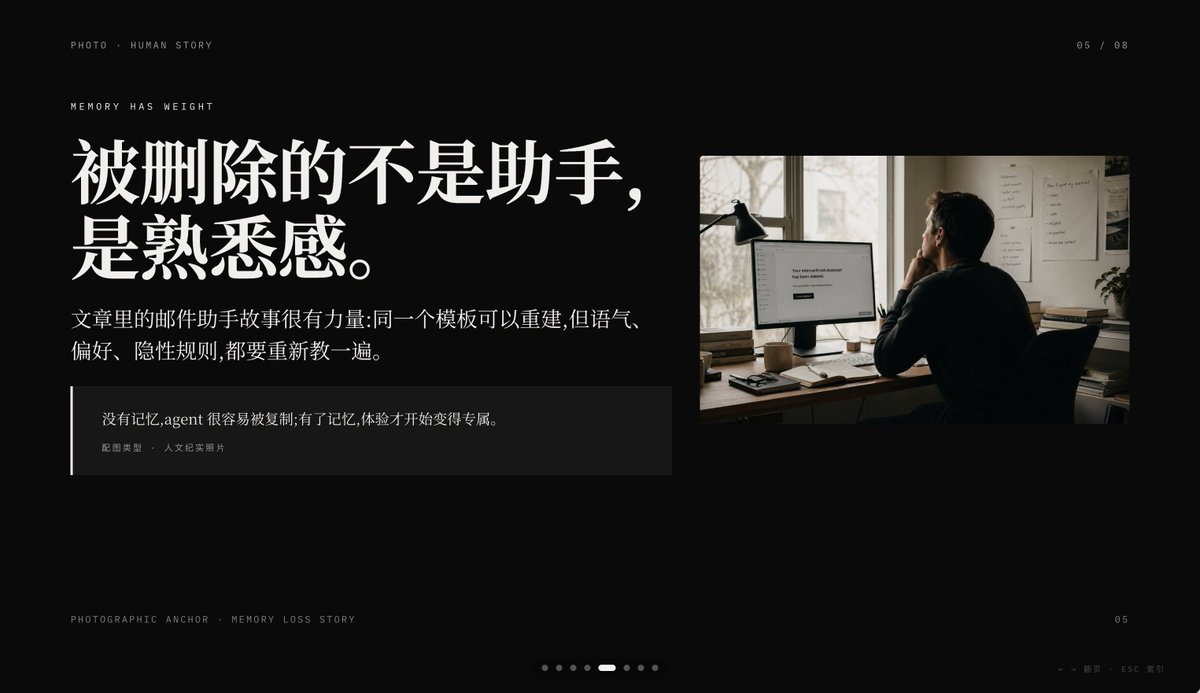
Create a minimalist cinematic presentation slide on a deep black background in a premium editorial PPT style, widescreen 16:9. The layout is asymmetrical, with a large text block on the left and one documentary-style photo on the upper right, leaving generous negative space. Use elegant high-contrast Chinese typography with an upscale magazine feel. At the top left, place small uppercase microtext reading "PHOTO • HUMAN STORY". Slightly below it, add another small uppercase line reading "MEMORY HAS WEIGHT". The main headline on the left is very large, bold, white Chinese serif text across 2 lines: [headline text]. Beneath it, place a smaller Chinese paragraph in white or light gray, 2 lines, reading: [body text]. Below that, add a dark translucent quote box with a thin vertical white line at its left edge; inside, include 2 text levels: the quote in Chinese, [quote], and a smaller attribution line reading "配图类型 · 人文纪实照片". On the right, insert a single warm-toned humanistic documentary photo: 1 adult person seen from behind, seated at a desk in a dim office, looking at a computer monitor; a desk lamp stands to the left of the monitor, papers are pinned on the wall, and soft daylight comes through a window. The monitor displays a simple white interface with the centered English message [screen text]. The photo should feel like film photography, muted browns and grays, intimate, reflective, and slightly melancholic. Add small interface-like pagination details: top right "05 / 08", bottom left microtext "PHOTOGRAPHIC ANCHOR · MEMORY LOSS STORY", bottom right small "05", and at the bottom center 8 tiny pagination dots with the 5th dot highlighted as an elongated white pill while the others are dim gray circles. In the extreme bottom right corner, add tiny navigation hints "← → 翻页 · ESC 关闭". Overall mood: editorial, restrained, cinematic, memory and loss, premium keynote slide design, clean spacing, precise alignment, high-end storytelling presentation aesthetic.



0 Comments
👥 Co-learning Circle 0
Observe other members' variables & configurations, and click "Study & Retry" to instantly import settings and practice!