

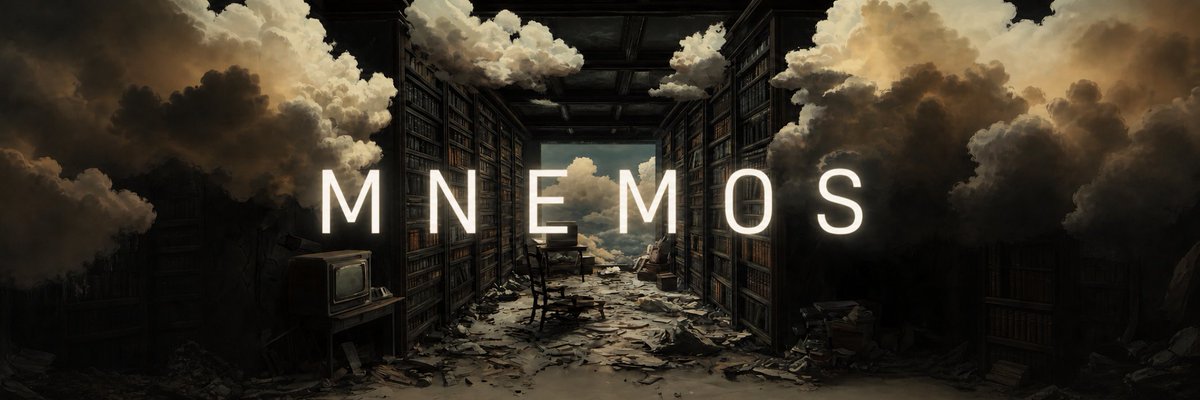
Using REFERENCE_0 as the base artwork, expand it into a wide cinematic banner while preserving the same surreal abandoned library scene, composition, mood, and painterly lighting. Add a single centered title across the middle: [headline text]. Set the text in a tall, clean, widely tracked all-caps sans-serif, bright warm white, sized large enough to span most of the frame width. Make the lettering feel integrated into the scene rather than pasted on: add a very subtle soft glow, a gentle shadow for readability, and a slightly dimmed outline or edge contrast so it sits naturally against the dark shelves and clouds. Keep the background untouched except for any minimal tonal balancing needed to improve text legibility and make the overall image look subtly more polished.



0 Comments
👥 Co-learning Circle 0
Observe other members' variables & configurations, and click "Study & Retry" to instantly import settings and practice!