

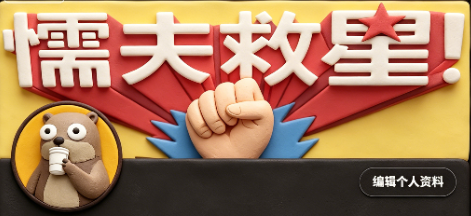
Create a wide 2:1 social media banner in a handcrafted claymation stop-motion style. Canvas size about 984×440 px, with a warm pastel yellow clay background and soft cinematic shadows. Center the composition around one huge raised clay fist emerging from behind a dark charcoal rounded rectangle strip across the bottom third. Behind the fist place one large red folded ribbon/banner shape spreading left and right, and one blue spiky burst shape directly behind the fist. At the top, add one oversized bold white 3D clay headline reading [headline text], with rounded puffy edges, slight red shadowing, and one red clay star used as the dot/accent near the final exclamation area. Add exactly one circular profile avatar at the lower left overlapping the dark bottom strip: a cute beige clay character with large googly eyes holding a small microphone, framed by a dark ring. Add exactly one rounded black button at the lower right with a thin light outline and small white Chinese text reading [button text]. Use soft polymer-clay texture everywhere, visible fingerprints, rounded handmade edges, macaroon warm colors, shallow depth of field, and realistic stop-motion lighting. Keep the layout clean and graphic, with exactly 5 main visible components: the white headline, the red ribbon, the central fist, the left circular avatar, and the right edit-profile button. No photorealistic skin, no flat vector look, no extra characters, no watermark.



0 Comments
👥 Co-learning Circle 0
Observe other members' variables & configurations, and click "Study & Retry" to instantly import settings and practice!