

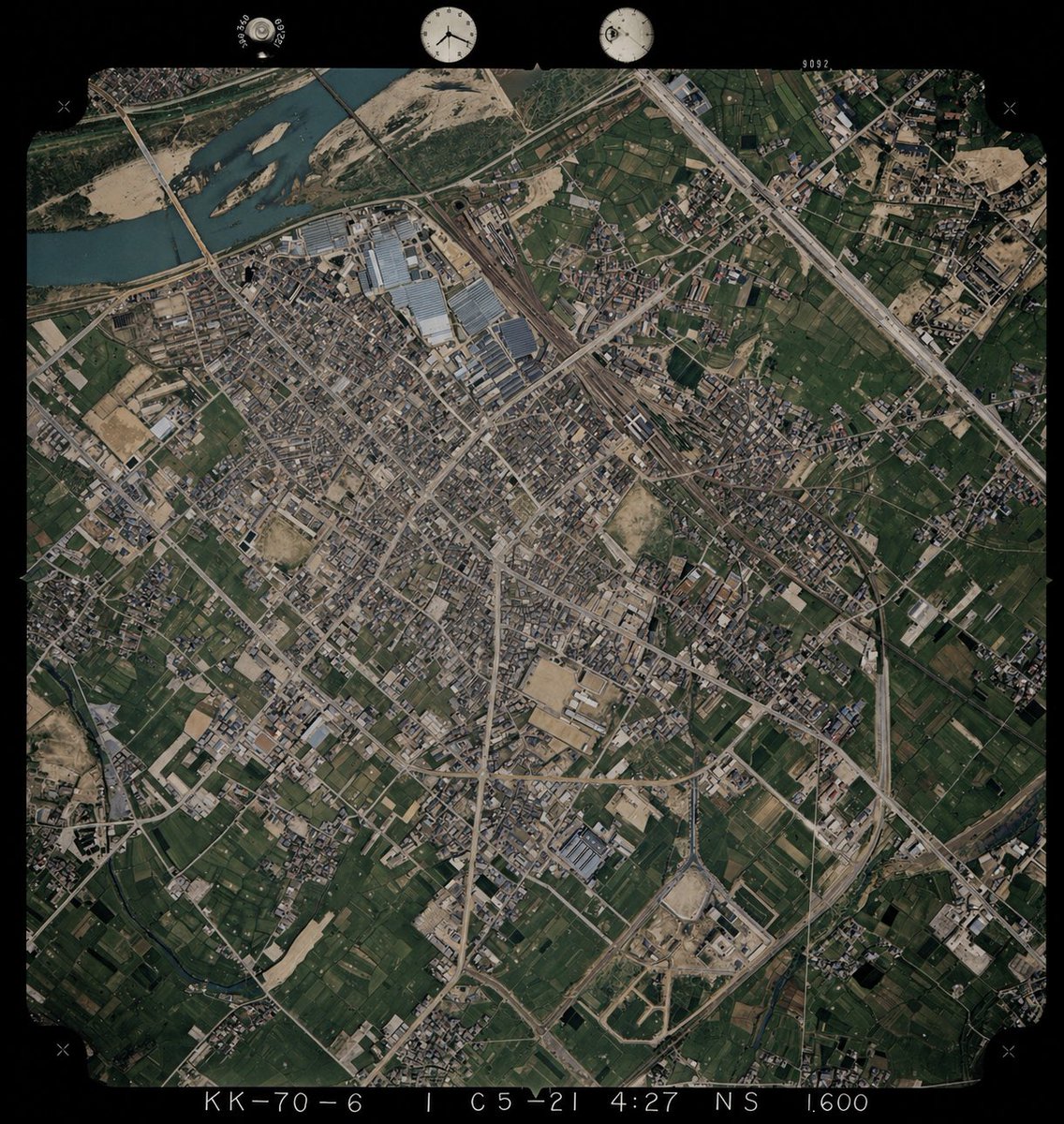
Using REFERENCE_0 as the base image, colorize the monochrome historical aerial photograph while preserving the exact original framing, angle, scale, film border, edge markings, and all geographic structures. Use REFERENCE_1 only as a color-reference guide for plausible land-surface colors seen from above. Keep the old photo’s layout and terrain details unchanged, but infer naturalistic colors for 4 major surface types: river water in muted blue-green, vegetation and farmland in varied dark greens, bare soil/sand and construction areas in tan-beige, and roads/buildings/industrial roofs in subdued gray to light brown. Maintain a realistic archival aerial-photo look rather than a modern satellite style, with slightly restrained saturation, subtle contrast, and consistent coloring across the whole scene.



0 Comments
👥 Co-learning Circle 0
Observe other members' variables & configurations, and click "Study & Retry" to instantly import settings and practice!