

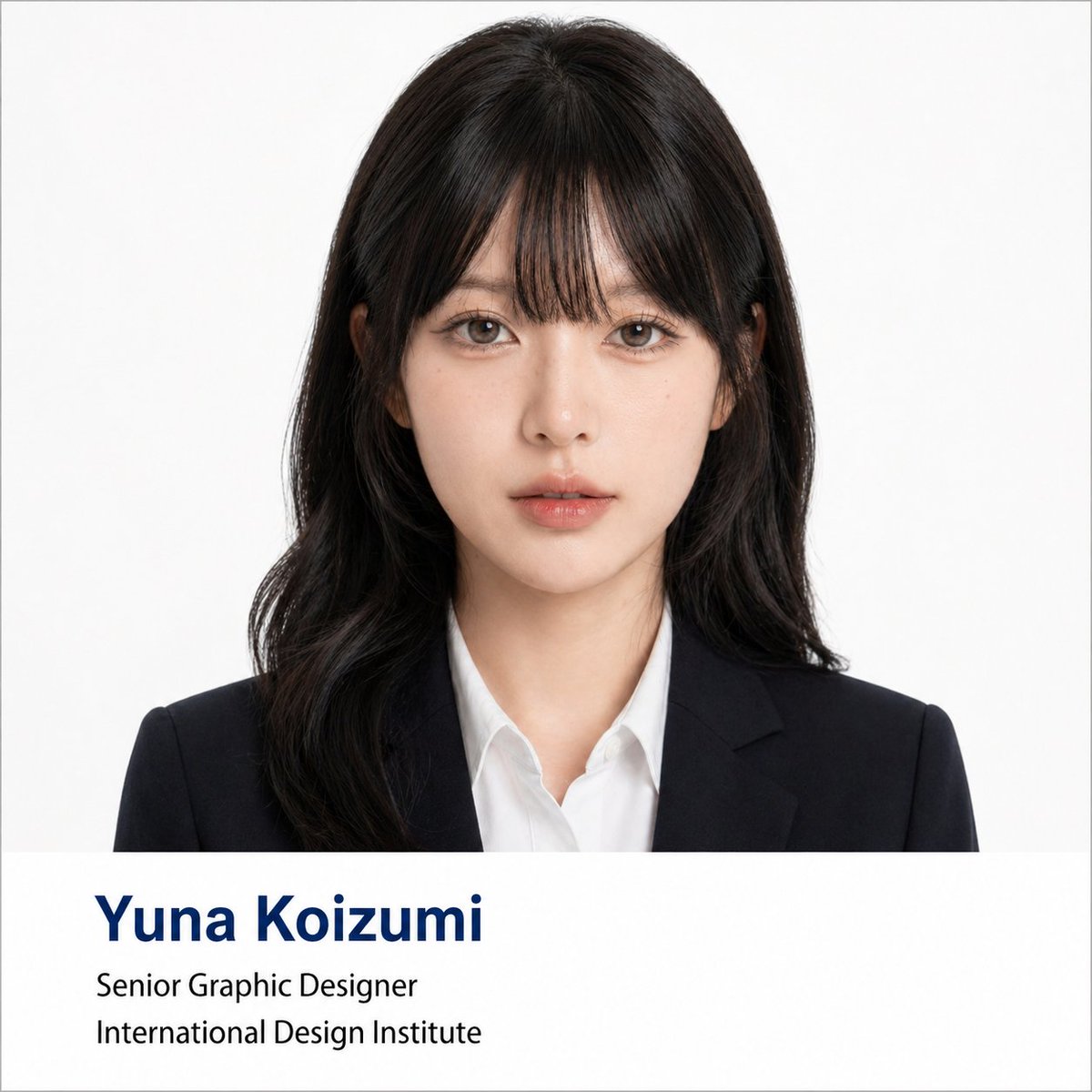
Using the portrait photo you upload, create a polished formal business headshot poster. Keep the person's real facial features, proportions, face shape, and overall presence intact — do not change who they look like.

Lightly refine the facial contour to look cleaner and more photogenic. Smooth skin texture and reduce blemishes or uneven tone without over-retouching — preserve natural skin detail and realistic lighting.

Give the subject a business hairstyle tailored to their face shape: neat, professional, and natural-looking, not exaggerated. Dress them in formal business attire — dark suit jacket, white or light shirt, optional tie — for a premium, minimal, trustworthy appearance.

Composition: frontal half-body portrait, subject centered, looking directly at the camera with a calm, confident expression. Plain solid white background with soft, even lighting — similar to a professional ID photo or corporate headshot. Style: clean, formal, photorealistic, square 1:1 ratio.

Include a clean info bar at the bottom with modern minimal typography:
Name: [name]
Title: [job title]
Department / Institution: [institution]

Text rule: if any label text is in Chinese or another language, translate it to formal English before placing it in the image. Do not display Chinese in the image unless explicitly asked.

Typography: Name in dark navy bold large font (first line); Title and Department in black regular weight (second and third lines). Layout should reference university faculty profile pages or professional conference speaker cards.



0 Comments
👥 Co-learning Circle 0
Observe other members' variables & configurations, and click "Study & Retry" to instantly import settings and practice!