

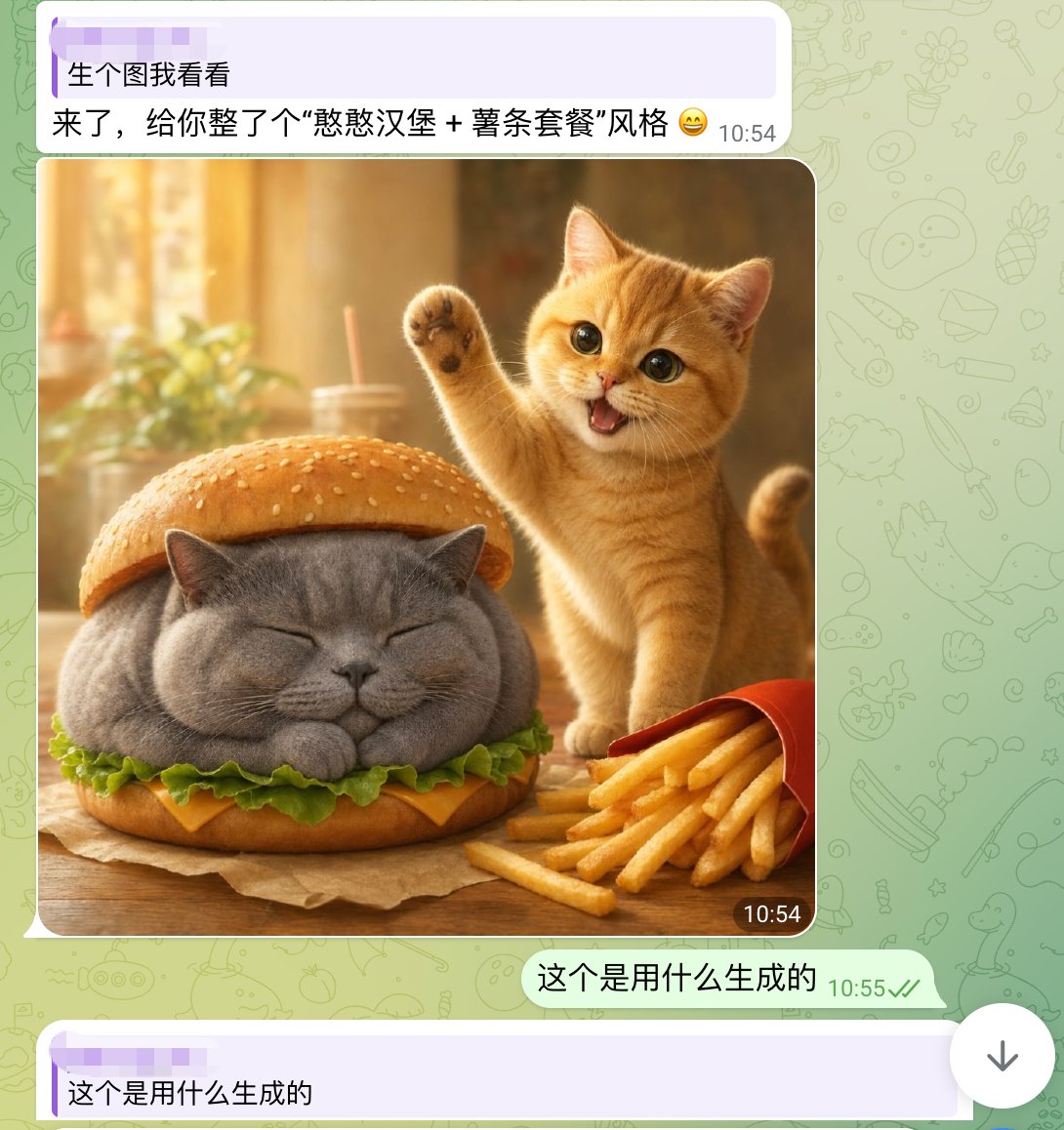
A realistic yet whimsical mobile chat screenshot in a WhatsApp-like interface, shown full screen. The background is pale green with faint doodle icons. At the top is a light purple incoming message bubble with two lines of Chinese text and a timestamp on the right, reading: "生个图我看看" on the first line and "来了,给你整了个“憨憨汉堡 + 薯条套餐”风格 😄" on the second line. Below it is a large rounded-corner image inside the chat. The generated image shows a cozy warm-lit tabletop food scene: a chubby gray British shorthair cat is styled as a hamburger, sitting with eyes closed and paws tucked under, placed between a sesame bun top and bottom bun, with green lettuce and a slice of yellow cheese visible around its body. To the right of the burger-cat is a small orange tabby kitten, cheerful and energetic, standing upright with one front paw raised in a waving pose, mouth open in a happy smile, large glossy eyes looking toward the viewer. In the lower right foreground is a red fries carton tipped slightly with golden French fries spilling out. The table is wooden with a sheet of brown parchment under the burger-cat. The background of the photo is softly blurred, golden and sunlit, with a drink cup and straw and a leafy plant in bokeh. Put a small dark rounded timestamp label "10:54" at the bottom-right corner of the image. Under the image, add an outgoing pale green message bubble aligned right with Chinese text: "这个是用什么生成的" and a gray-green timestamp "10:55" with two check marks. At the very bottom, show another light purple incoming bubble beginning with the same text "这个是用什么生成的". Keep the overall composition exactly like a smartphone screenshot of a chat conversation, mixing cute photorealistic animal food art with clean messaging app UI.



0 Comments
👥 Co-learning Circle 0
Observe other members' variables & configurations, and click "Study & Retry" to instantly import settings and practice!