

**Environment:**

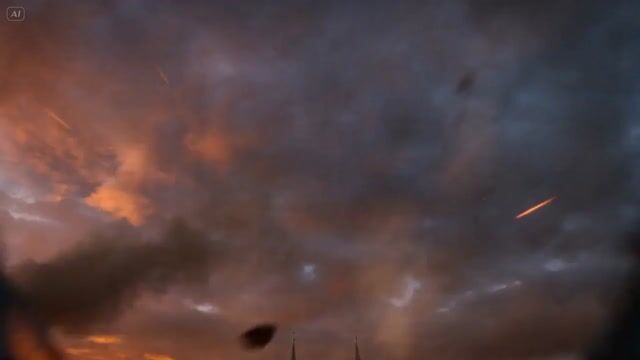
A massive medieval-fantasy city under siege at dusk. Stone towers, cathedral spires, and narrow streets stretch toward the horizon while fire spreads through rooftops and smoke rises into the orange evening sky. Wind currents swirl between the tall buildings.

**Action:**

15.0s sequence from the first-person perspective of a colossal dragon in flight. The viewer sees the edges of scaled wings occasionally entering frame as the dragon glides between towers. Heat shimmer ripples from its throat with every breath.

At the 2-second mark the dragon dives sharply between two cathedral spires.

Stone gargoyles and stained-glass windows rush past at extreme speed.

The dragon unleashes a stream of fire across a city wall below, igniting entire streets.

Velocity Ramp choreography: the moment the dragon pulls up from the dive slows dramatically — embers, sparks, and falling debris suspended in mid-air — before snapping back as the dragon bursts through a collapsing tower.

**Camera:**

Fast aerial predator POV weaving through the skyline, banking sharply between towers and rooftops.

**Style & Constraints:**

Photorealistic fire simulation, volumetric smoke, cinematic sunset lighting, realistic wing turbulence and debris physics, 8K resolution.



0 Comments
👥 Co-learning Circle 0
Observe other members' variables & configurations, and click "Study & Retry" to instantly import settings and practice!