

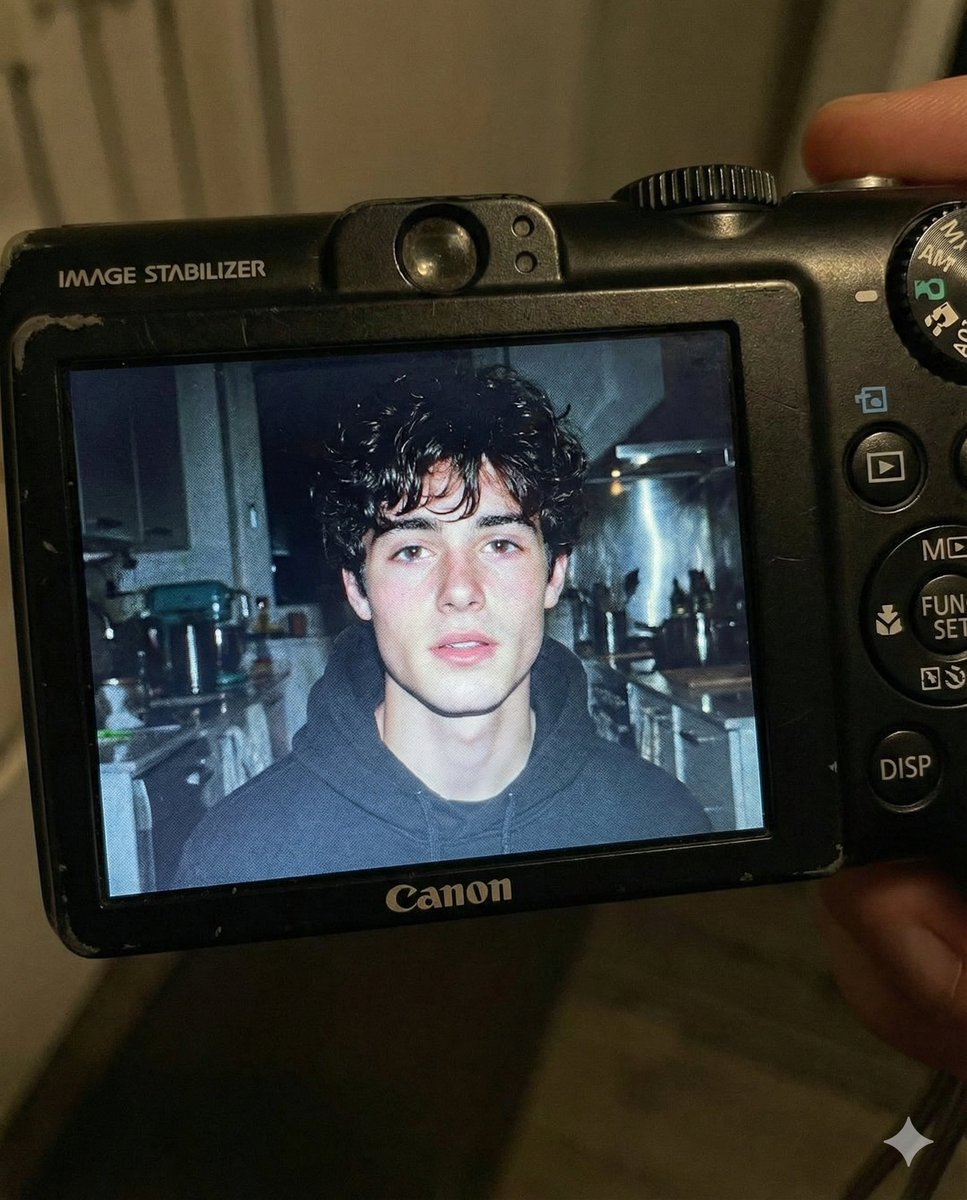
Use the facial features of the attached photo. A close-up shot of a young man displayed on the screen of a compact Canon digital camera. The camera body surrounds the image with its buttons, dials, and textured surface visible, including the FUNC/SET wheel, DISP button, and the “IMAGE STABILIZER” label along the side.

The photo on the screen shows the young man indoors at night, illuminated by a bright built-in flash that creates sharp highlights on his face and hair. He has short, slightly messy dark hair with loose strands framing part of his forehead, and a soft, slightly open-lip expression.

The flash accentuates his features against a dim, cluttered kitchen background with appliances, shelves, and metallic surfaces softly blurred. The mood is candid, raw, nostalgic, and reminiscent of early 2000s digital camera snapshots. Colors are slightly muted with cool undertones, strong flash contrast, and natural grain from the display. No text, no logos inside the photo preview itself.

Scale ratio: 4:5 vertical
Camera: compact digital camera simulation
Lens: equivalent to 28–35mm
Aperture: f/2.8
ISO: 400
Shutter speed: 1/60 with flash
White balance: auto flash
Lighting: harsh direct flash on subject, ambient low light in the background
Color grading: nostalgic digital camera tones, high contrast flash, subtle display grain, authentic screen glow.



0 Comments
👥 Co-learning Circle 0
Observe other members' variables & configurations, and click "Study & Retry" to instantly import settings and practice!