

①: No input image

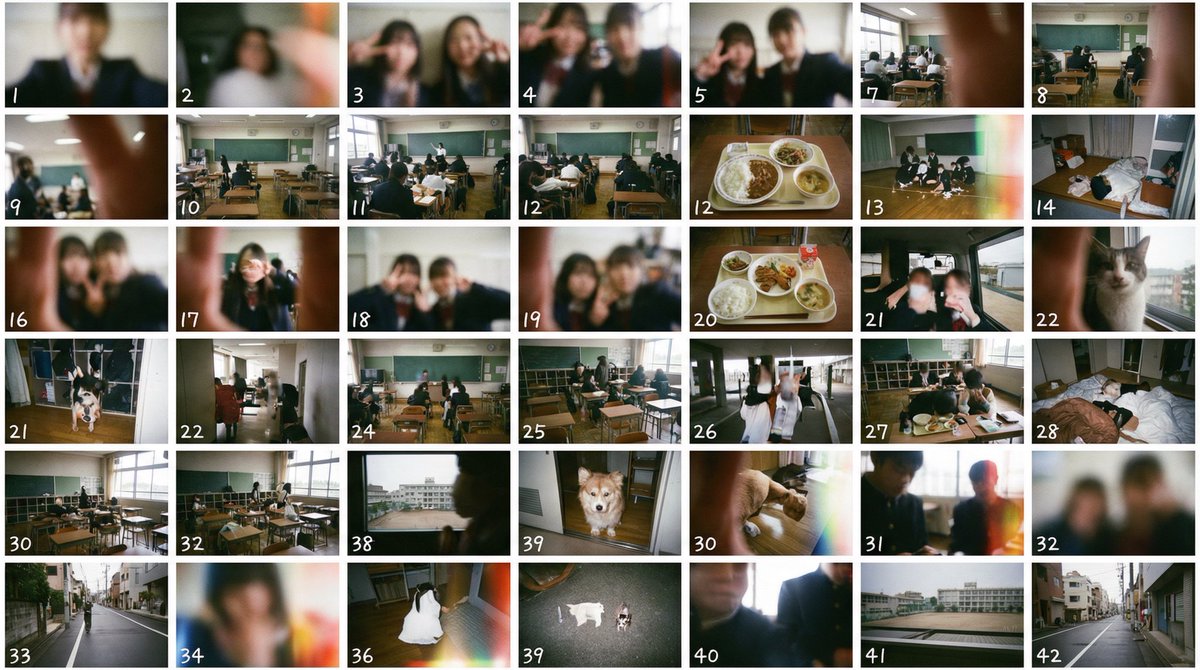
Create 42 scenes, dividing the screen horizontally 7x vertically 6, based on "A single everyday photo taken with a low-quality disposable camera. A clumsy photo taken by Japanese high school students."
Display serial numbers from 1 in the bottom left of each scene.
Each scene is separated by thin white borders.
Image of a thumbnail sheet that comes when film is developed.
Do not draw real company names or product names.

----------
②: Using ① as input image

The input image is a thumbnail sheet that comes when film is developed.
Create the undeveloped negative film from this thumbnail sheet.
Place the completed negative film on a school desk and photograph it from a diagonal overhead angle.
Foreground blur and background blur due to depth of field. Live-action.

----------
③: Using ② as input image

A single everyday photo taken with a low-quality disposable camera of "Japanese high school students goofing around while holding this negative film." A clumsy photo taken by Japanese high school students.
Do not draw real company names or product names.

----------
④: Using ③ as input image

Include the input image at the beginning of "A single everyday photo taken with a low-quality disposable camera... (same as ① below)"



0 Comments
👥 Co-learning Circle 0
Observe other members' variables & configurations, and click "Study & Retry" to instantly import settings and practice!