

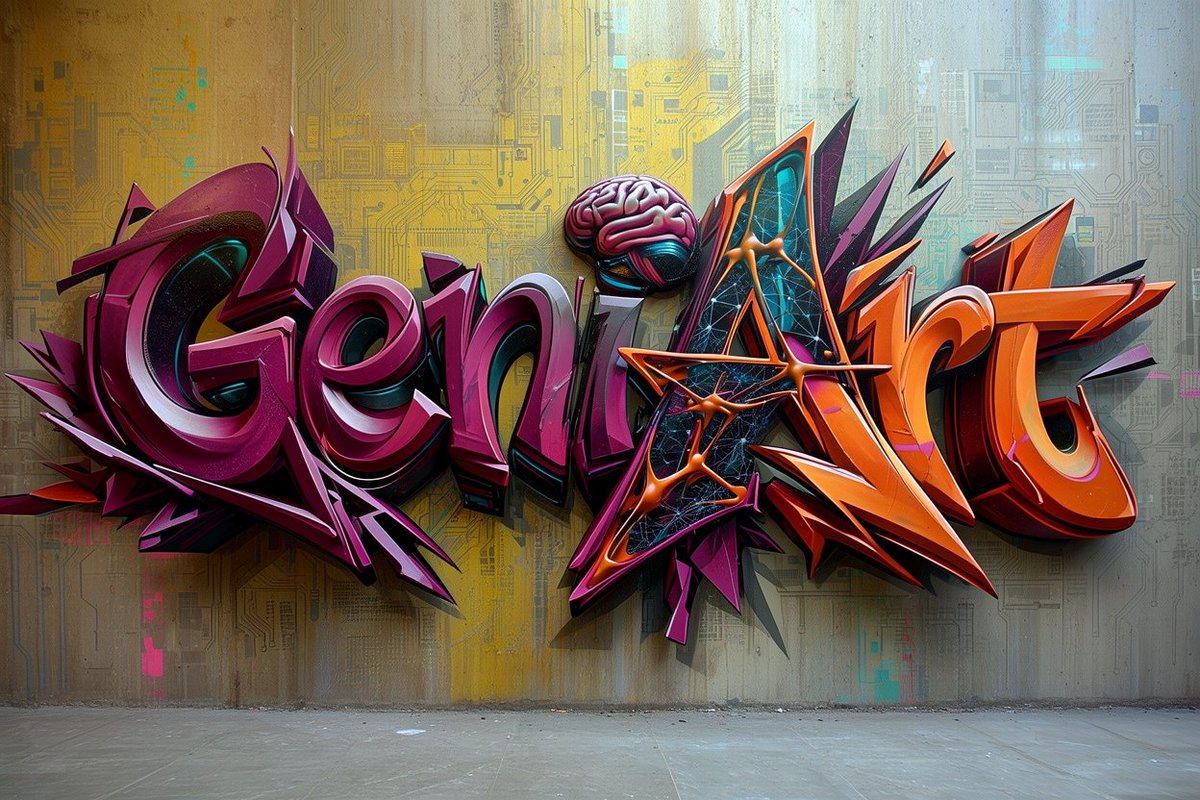
Create a highly detailed photorealistic 3D graffiti mural on a concrete wall, spelling the word [graffiti text] in huge wildstyle bubble letters. The lettering is split visually into two color families: the left half in glossy deep magenta, burgundy, violet, and black with white rim highlights, and the right half in vivid orange, red-orange, black, and purple with sharp angular extensions. Use thick extruded 3D letterforms with strong shadows cast onto the wall, metallic enamel shine, beveled edges, layered outlines, and dramatic perspective depth. Integrate exactly 3 distinctive tech-art details: one pink brain sitting above the center letters, one triangular black-and-cyan digital panel embedded inside the capital A, and one orange molecular/network structure crossing the A with glowing nodes and connecting rods. Add many aggressive spikes, arrows, shards, and abstract graffiti splinters around the letters, especially purple shards behind the left word and orange shards behind the right word. The background is an indoor urban concrete wall with subtle stains, vertical grime, faint circuit-board patterns, cyan and yellow digital markings, and a muted yellow-to-cool-blue wash of light; the floor is bare gray concrete visible along the bottom. Style should feel like a futuristic cyberpunk street-art installation, ultra sharp, high contrast, cinematic lighting, realistic wall texture, realistic depth and cast shadows, no people, no extra readable words, landscape 16:9 composition.



0 Comments
👥 Co-learning Circle 0
Observe other members' variables & configurations, and click "Study & Retry" to instantly import settings and practice!