

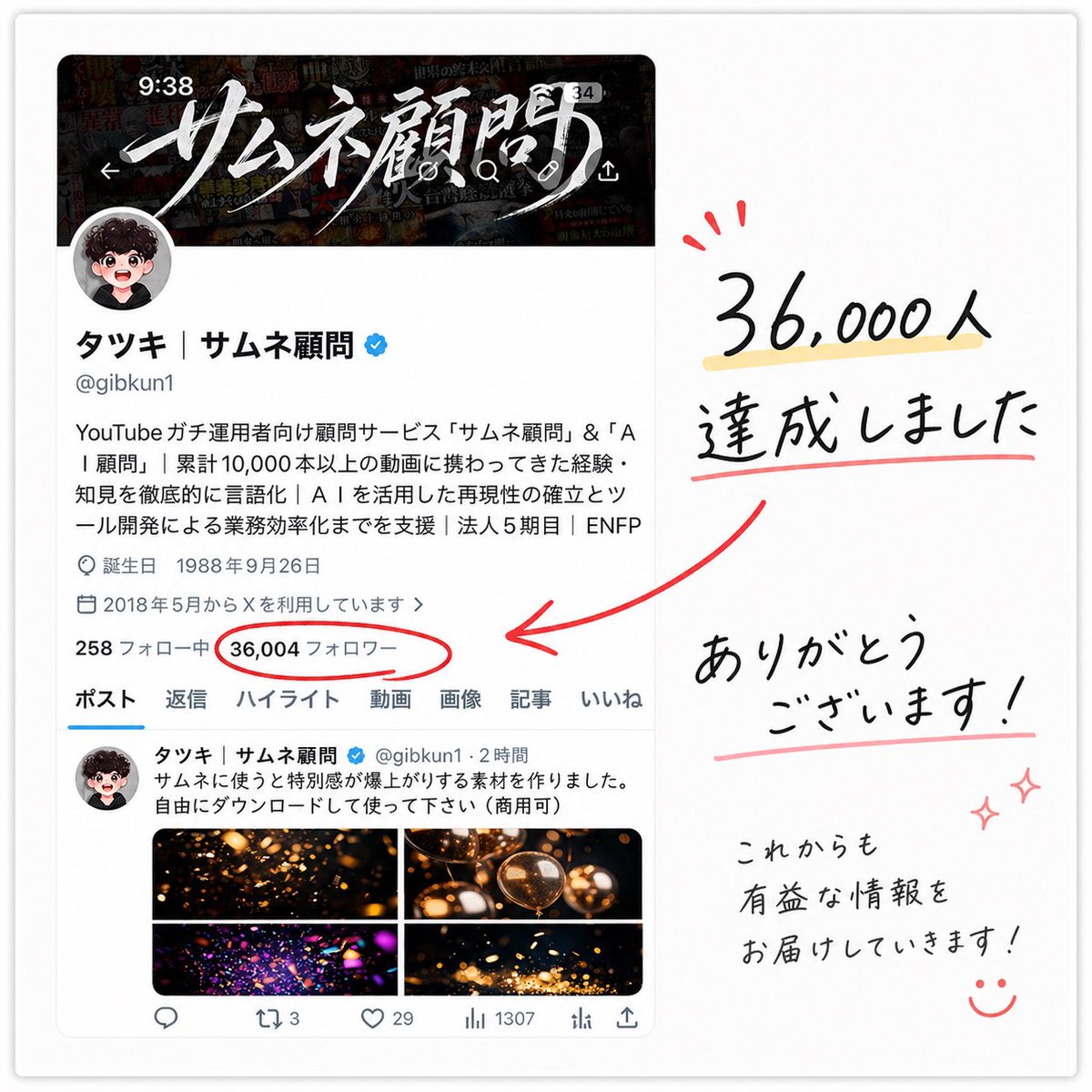
A clean celebratory social-media milestone graphic on a soft white background, styled like a screenshot of an X profile page placed on the left and handwritten thank-you lettering on the right. The left side shows a realistic mobile-style profile card for a Japanese creator account with a dark banner image at the top featuring dramatic white brush-calligraphy Japanese text, a circular profile icon overlapping the banner, the display name “タッキ | サムネ顧問” with a blue verification badge, the handle @gibkun1, and several lines of Japanese bio text in a standard app UI font. Include small profile metadata lines such as birth date and join date, then a stats row where the follower count is the focal point: “36,004 フォロワー” circled in red. Below that, show the profile navigation tabs with exactly 7 labels: ポスト, 返信, ハイライト, 動画, 画像, 記事, いいね. Under the tabs, include one visible post preview with a small avatar, Japanese post text, and a 2 by 2 image grid containing 4 warm glowing abstract thumbnail images in black, gold, and orange tones. On the right side, create large casual handwritten Japanese text in black reading “36,000人 達成しました” with a pale yellow highlight under the number and a red underline beneath the second line, plus 3 small red celebratory accent marks above the number. Add a thick hand-drawn red arrow pointing from the right-side message toward the circled follower count on the profile screenshot. Beneath that, place another handwritten message reading “ありがとう ございます!” with a soft pink underline, and in the lower right add smaller handwritten text reading “これからも 有益な情報を お届けしていきます!” followed by a simple smiling face doodle and 2 small pink sparkle doodles. The overall composition should feel like a polished appreciation post made from a screenshot and marker annotations, with subtle drop shadow around the screenshot card, balanced spacing, crisp Japanese typography in the UI, and expressive brush-pen handwriting for the celebratory notes.



0 Comments
👥 Co-learning Circle 0
Observe other members' variables & configurations, and click "Study & Retry" to instantly import settings and practice!