

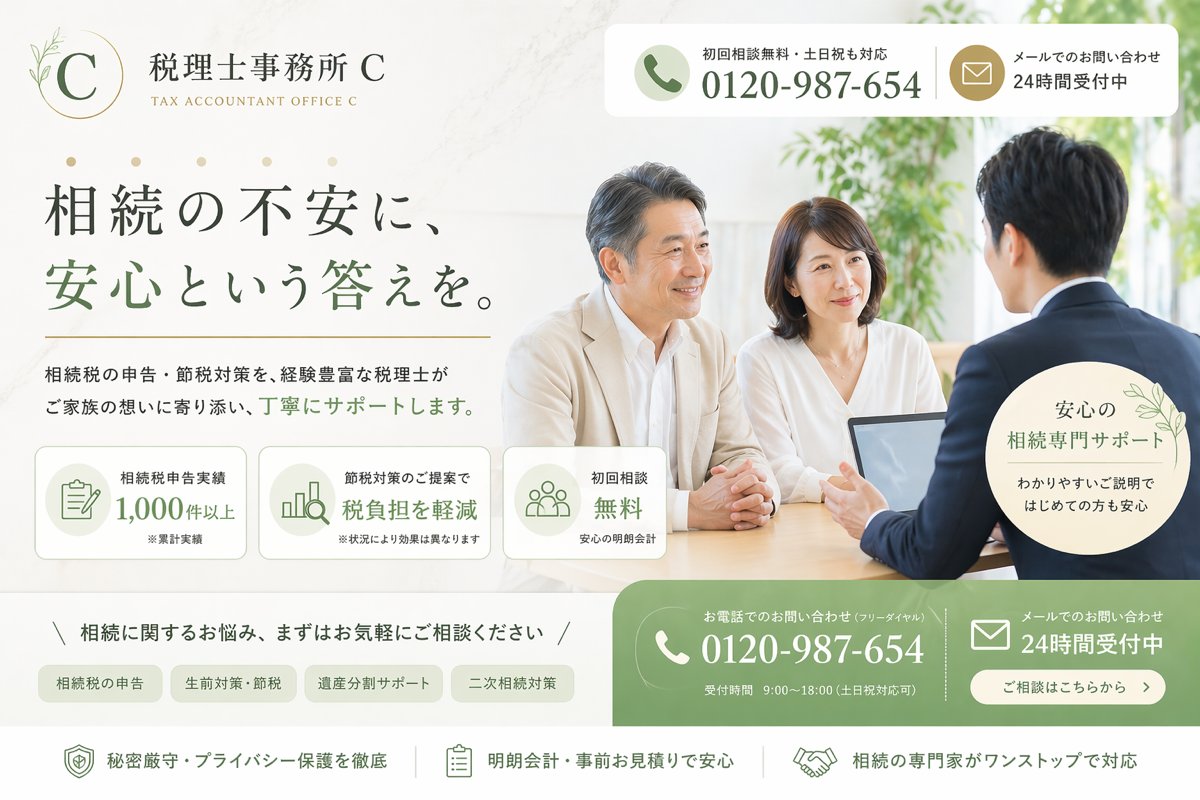
Create a clean, premium Japanese landing page hero image for a fictional tax accountant office specializing in inheritance tax consultation. The design should look like a modern listing-ad LP first view, wide desktop format, with a soft ivory and warm white background, muted sage green and gold accent colors, elegant serif Japanese typography for the headline, and a calm trustworthy atmosphere. On the left upper area, place a refined circular logo with a thin gold ring, a large serif letter C, and a small botanical line illustration, followed by the office name 税理士事務所 [office name] and the English subtitle TAX ACCOUNTANT OFFICE [office name]. In the top right, add a rounded white contact bar split into 2 blocks: a phone block with a green circular phone icon, the small text 初回相談無料・土日祝も対応, and the large number [phone number]; and a mail block with a gold circular mail icon and the text メールでのお問い合わせ 24時間受付中. The main headline on the left should be large Japanese text reading 相続の不安に、安心という答えを。, with the key phrase 安心という答えを。 in sage green. Beneath it, add a supporting sentence in smaller Japanese text: 相続税の申告・節税対策を、経験豊富な税理士がご家族の想いに寄り添い、丁寧にサポートします。 Below that, place 3 rounded rectangular feature cards in a row with pale backgrounds and green line icons: card 1 shows a document icon and the text 相続税申告実績 1,000件以上 with a tiny note ※累計実績; card 2 shows a bar chart icon and the text 節税対策のご提案で 税負担を軽減 with a tiny note ※状況により効果は異なります; card 3 shows a group icon and the text 初回相談 無料 with a tiny note 安心の明朗会計. On the right half, show a bright consultation scene photo-style image: 3 Japanese adults around a desk in a sunlit office with greenery in the background, consisting of 1 male advisor in a navy suit seen from behind on the right, and 2 clients facing him, a middle-aged man in a light beige jacket and a woman in a white blouse. Place an open laptop on the table. Their expressions should feel calm and attentive. Overlay a pale circular badge near the lower right of the photo with delicate leaf decoration and the text 安心の 相続専門サポート わかりやすいご説明ではじめての方も安心. Across the lower middle, add a slim consultation invitation line reading 相続に関するお悩み、まずはお気軽にご相談ください, framed by diagonal slash marks. Under it, place 4 rounded category tabs in a row: 相続税の申告, 生前対策・節税, 遺産分割サポート, 二次相続対策. At the bottom right, add a large green rounded contact CTA area split into 2 main columns: the left column with a white phone icon, the small text お電話でのお問い合わせ(フリーダイヤル), the large number [phone number], and the small line 受付時間 9:00〜18:00(土日祝対応可); the right column with a white mail icon, the text メールでのお問い合わせ 24時間受付中, and a rounded white button reading ご相談はこちらから. Along the very bottom, create a white reassurance strip with 3 horizontally arranged items separated by thin vertical dividers: 1) shield icon and 秘密厳守・プライバシー保護を徹底, 2) clipboard icon and 明朗会計・事前お見積りで安心, 3) handshake icon and 相続の専門家がワンストップで対応. Use subtle shadows, rounded corners, soft natural light, polished commercial web design, and a highly believable Japanese legal-tax service advertisement aesthetic.



0 Comments
👥 Co-learning Circle 0
Observe other members' variables & configurations, and click "Study & Retry" to instantly import settings and practice!