

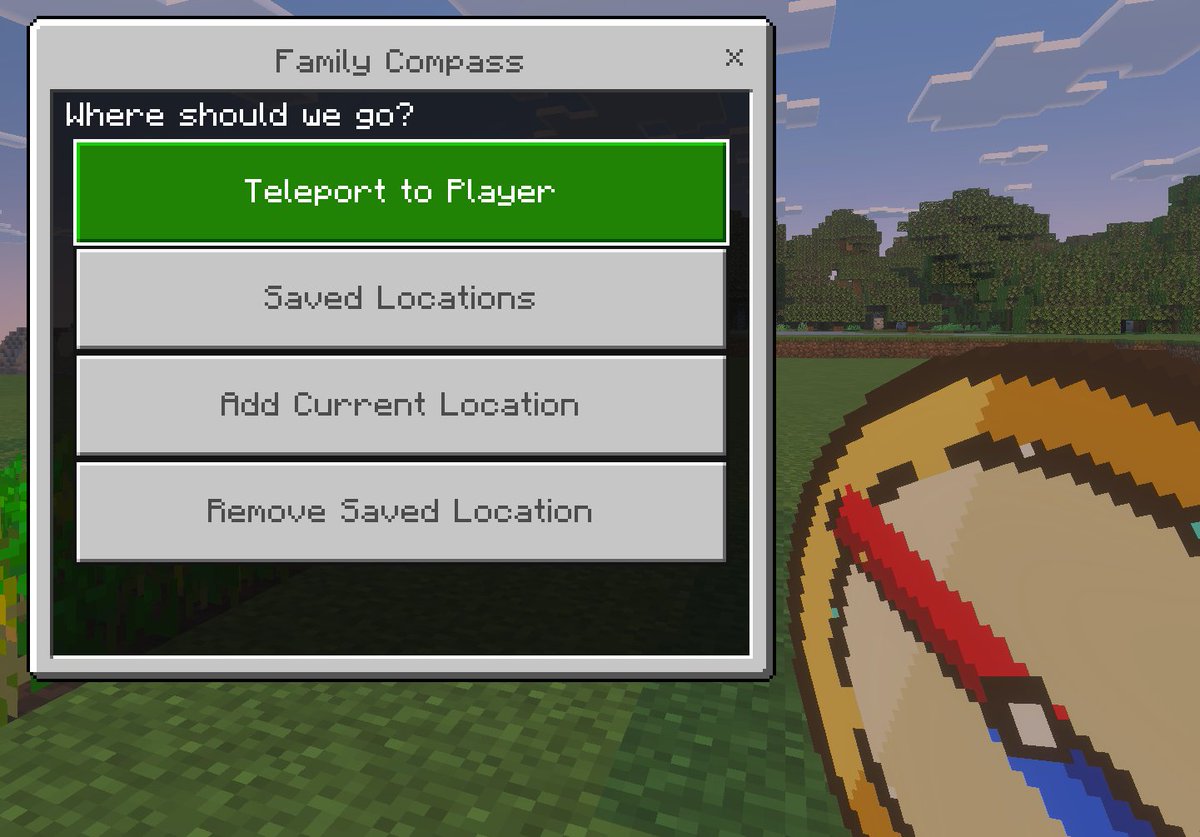
A clean in-game screenshot mockup in the visual style of Minecraft Bedrock Edition, showing a custom teleport menu overlay titled [window title]. The background is a bright outdoor Minecraft scene with blocky grass in the foreground, a line of leafy trees in the middle distance, and a pale blue sky with rectangular clouds. On the left side, a large Bedrock-style UI window dominates the frame, with a light gray panel, darker gray border, and a small close X in the top-right corner. Centered at the top of the window is the title text. Inside the panel, a dark header bar asks [prompt text]. Below it are exactly 4 large horizontal rectangular buttons stacked vertically with even spacing. The first button is highlighted bright green with white pixel-style text reading [primary button]. The next 3 buttons are light gray with medium gray pixel-style text reading, in order, "Saved Locations", "Add Current Location", and "Remove Saved Location". In the lower-right foreground, partially cropped and held as if by the player, is an oversized pixel-art compass item with a tan face, gold rim, and a red needle angled diagonally downward, rendered in chunky Minecraft item icon style. Use authentic Minecraft Bedrock UI proportions, pixelated font, crisp blocky edges, soft in-game lighting, and a polished game-screenshot composition with the menu as the main focus.



0 Comments
👥 Co-learning Circle 0
Observe other members' variables & configurations, and click "Study & Retry" to instantly import settings and practice!