

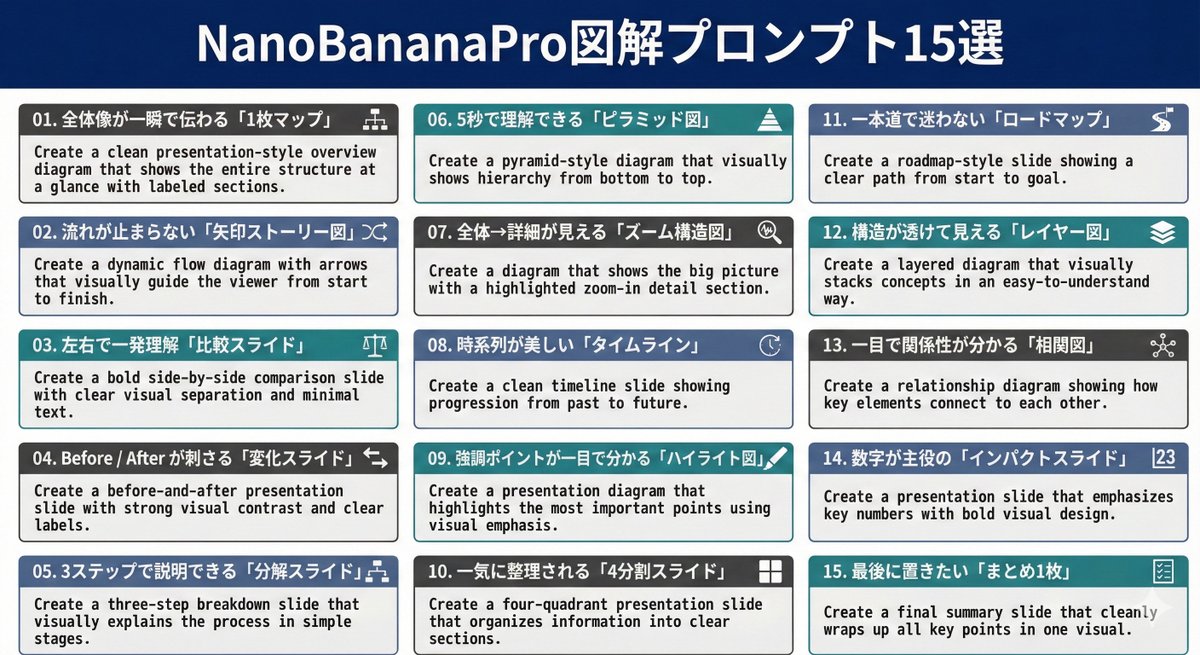
01. Create a clean presentation-style overview diagram that shows the entire structure at a glance with labeled sections.

02. Create a dynamic flow diagram with arrows that visually guide the viewer from start to finish.

03. Create a bold side-by-side comparison slide with clear visual separation and minimal text.

04. Create a before-and-after presentation slide with strong visual contrast and clear labels.

05. Create a three-step breakdown slide that visually explains the process in simple stages.

06. Create a pyramid-style diagram that visually shows hierarchy from bottom to top.

07. Create a diagram that shows the big picture with a highlighted zoom-in detail section.

08. Create a clean timeline slide showing progression from past to future.

09. Create a presentation diagram that highlights the most important points using visual emphasis.

10. Create a four-quadrant presentation slide that organizes information into clear sections.

11. Create a roadmap-style slide showing a clear path from start to goal.

12. Create a layered diagram that visually stacks concepts in an easy-to-understand way.

13. Create a relationship diagram showing how key elements connect to each other.

14. Create a presentation slide that emphasizes key numbers with bold visual design.

15. Create a final summary slide that cleanly wraps up all key points in one visual.



0 Comments
👥 Co-learning Circle 0
Observe other members' variables & configurations, and click "Study & Retry" to instantly import settings and practice!