

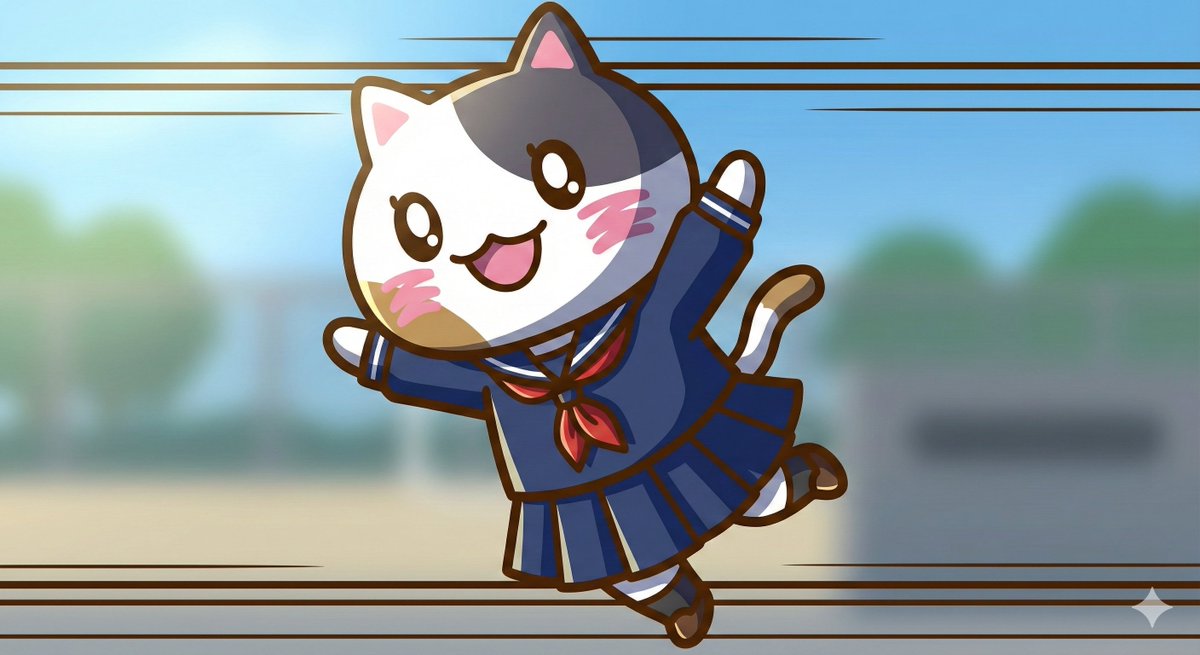
1. Significantly increase detail and texture 🎨
・absurdres: For absurdly high resolution. Makes hair and clothing details intricate.
・intricate details: When you want to increase complex details like background or costume decorations.
・official art: Suppresses roughness, resulting in a well-composed and colored image like a professional artist drew it.

2. Change the atmosphere with "Light and Shadow" 💡
・cinematic lighting: Adds depth and storytelling to the screen with movie-like lighting effects.
・soft lighting / soft focus: Makes the whole image soft, creating a gentle and cute atmosphere.
・ray tracing: Realistically expresses light reflection. Improves the texture of eyes, metal, and water.

3. Enhance character appeal 📸
・beautiful detailed eyes: Strengthens the drawing of the "eyes," which are the life of anime illustrations.
・looking at viewer: Makes the character look at the viewer, increasing the image's appeal.
・dynamic angle: Prevents stiff standing poses, using dynamic compositions like diagonal or low-angle shots.

4. Adjusting the art style 🖌️
・flat color: Reduces shadows, resulting in a crisp anime coloring style like a cel painting.
・thick painting: For a rich, heavy texture like impasto painting, when you want a sense of gravitas.

Tips for further improving accuracy 🛠
・Emphasis syntax: Important words are stabilized by enclosing them in parentheses and a numerical value, such as (best quality:1.2).
・Negative prompt: In addition to basics like worst quality, excluding muted color makes the colors more vivid 😳



0 Comments
👥 Co-learning Circle 0
Observe other members' variables & configurations, and click "Study & Retry" to instantly import settings and practice!