# ===== USER CONTROLS =====
title_text: "[display string]"
title_style_preset: "[logo design preset]"  # cool, cute, cool_cute, luxury, pop, cyber, minimal, retro, kawaii
face_zoom: "[zoom on/off]"            # off, on

subject: >
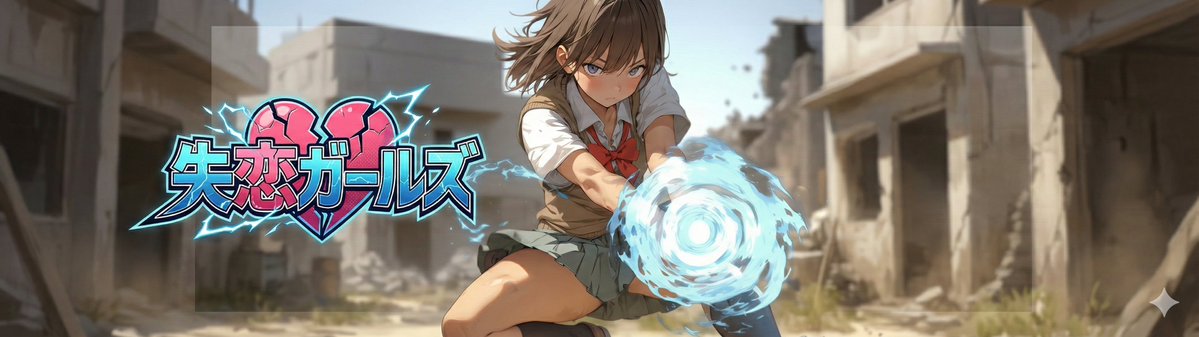
  Create a 21:6 wide banner using the provided reference image content.
  The primary face must be centered inside an invisible safe zone (not drawn),
  and a title logo (derived from title_text + title_style_preset) must be placed inside the same safe zone.

composition: >
  Aspect ratio 21:6.
  Invisible safe zone (DO NOT draw it):
  - Left margin: 15% of width
  - Right margin: 15% of width
  - Top margin: 16% of height
  - Bottom margin: 16% of height
  Keep the entire face AND the entire title logo fully inside this safe zone.
  Background may extend to the edges.

action: >
  Place the reference image content with maximum fidelity.
  Auto-crop/scale/reposition to fit a 21:6 banner with no stretching.
  Detect the primary face (if multiple faces, pick the largest/most prominent).
  Center the primary face within the safe zone both horizontally and vertically.
  Never crop off the face/eyes; keep the full face comfortably inside the safe zone (not near edges).

  Face zoom behavior:
  - If face_zoom is OFF: keep the original framing as much as possible while still centering the face in the safe zone.
  - If face_zoom is ON: zoom/crop to a bust-up portrait centered on the face
    (head and shoulders visible; include upper chest; do no





0 Comments
👥 Co-learning Circle 0
Observe other members' variables & configurations, and click "Study & Retry" to instantly import settings and practice!