

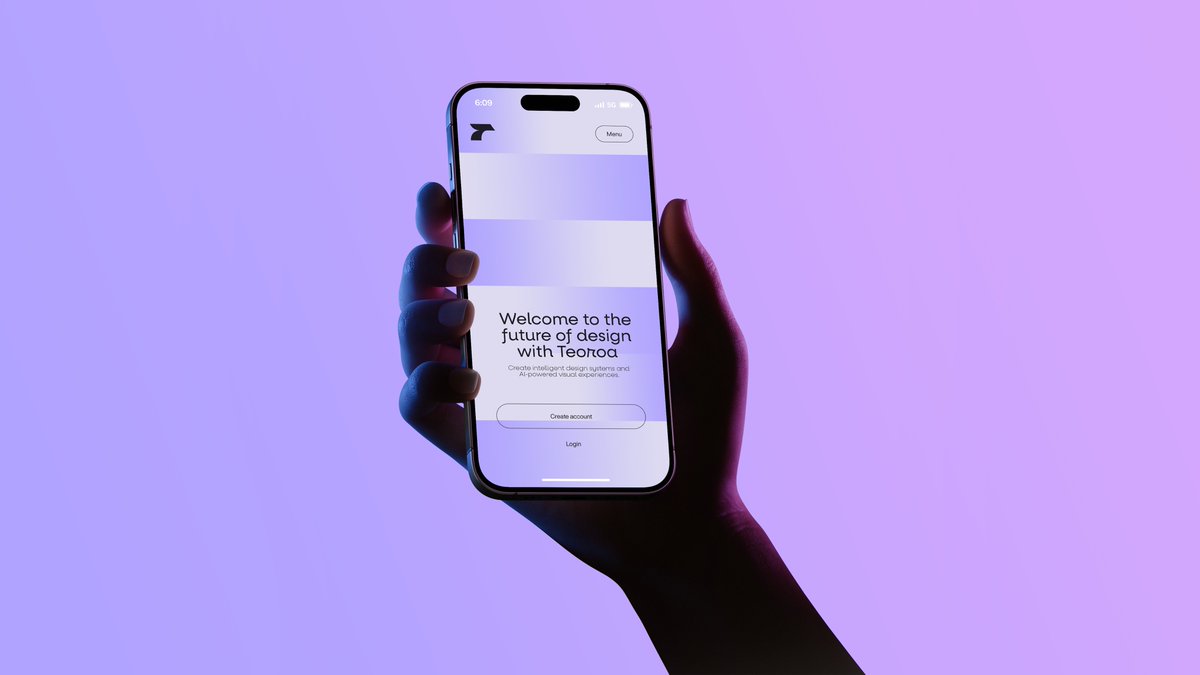
A minimalist studio product photograph of a single human hand holding a modern smartphone upright in portrait orientation against a smooth lavender-to-pink gradient background. The composition is centered slightly left, with the forearm entering from the lower right corner and the hand wrapping naturally around the phone, fingers visible along the left edge and thumb on the right side. Use dramatic neon gel lighting with cool blue light on the left side of the hand and deep magenta-purple shadows on the right, creating a moody futuristic tech-ad aesthetic. The phone should resemble a premium edge-to-edge device with a black bezel, rounded corners, and a pill-shaped front camera cutout at the top. On the screen, show a clean monochrome landing page for a design-tech product: a small abstract black logo in the upper left, a rounded small button labeled "Menu" in the upper right, 2 wide pale rectangular placeholder content blocks stacked near the top, and centered onboarding text in the lower half. The main headline reads [headline text]. Below it, smaller gray body text reads [body text]. Beneath that, include exactly 2 call-to-action elements: a rounded outlined button labeled [primary button text] and a simple text link underneath labeled [secondary button text]. The overall style is sleek, high-end, editorial, and cinematic, with soft shadows, realistic skin texture, subtle screen glow, and generous negative space.



0 Comments
👥 Co-learning Circle 0
Observe other members' variables & configurations, and click "Study & Retry" to instantly import settings and practice!