

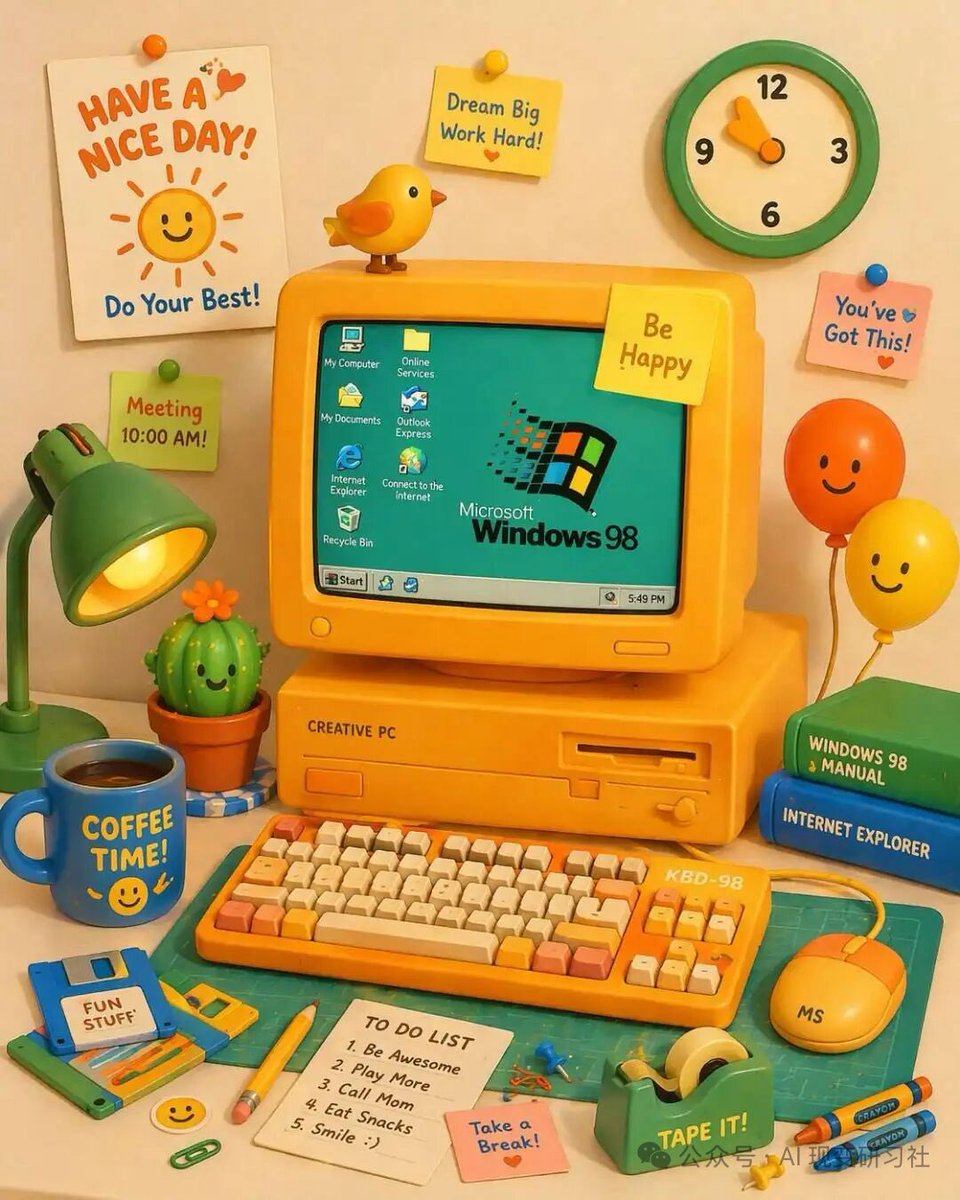
A vibrant, cute 3D claymation-style illustration of a retro yellow desktop computer setup on a desk. The central yellow CRT monitor displays a teal screen with the [OS logo text] logo and 7 desktop icons labeled 'My Computer', 'Online Services', 'My Documents', 'Outlook Express', 'Internet Explorer', 'Connect to the Internet', and 'Recycle Bin', plus a bottom taskbar with a 'Start' button and a clock reading '5:49 PM'. The monitor has a yellow sticky note reading '[monitor sticky note]' and a small yellow bird perched on top. The computer base is labeled 'CREATIVE PC'. In front is a yellow mechanical keyboard labeled 'KBD-98' with orange and cream keys, and a yellow mouse labeled 'MS'. To the left is a green desk lamp, a smiling potted cactus, a blue floppy disk labeled '[floppy disk label]', and a blue mug reading '[mug text]' with a smiley face. To the right are 2 stacked books (green 'WINDOWS 98 MANUAL', blue 'INTERNET EXPLORER') and 2 smiling balloons (orange and yellow). The foreground features a green cutting mat, a yellow pencil, a green tape dispenser labeled 'TAPE IT!', 2 crayons, a pink sticky note reading 'Take a Break!', and a white notepad with a 5-item 'TO DO LIST': '1. Be Awesome', '2. Play More', '3. Call Mom', '4. Eat Snacks', '5. Smile :)'. The background wall has a green and cream clock, a white poster reading '[poster text]' with a smiling sun and 'Do Your Best!', and 3 additional sticky notes: a yellow one reading 'Dream Big Work Hard!', a pink one reading 'You've Got This!', and a green one reading 'Meeting 10:00 AM!'.



0 Comments
👥 Co-learning Circle 0
Observe other members' variables & configurations, and click "Study & Retry" to instantly import settings and practice!