

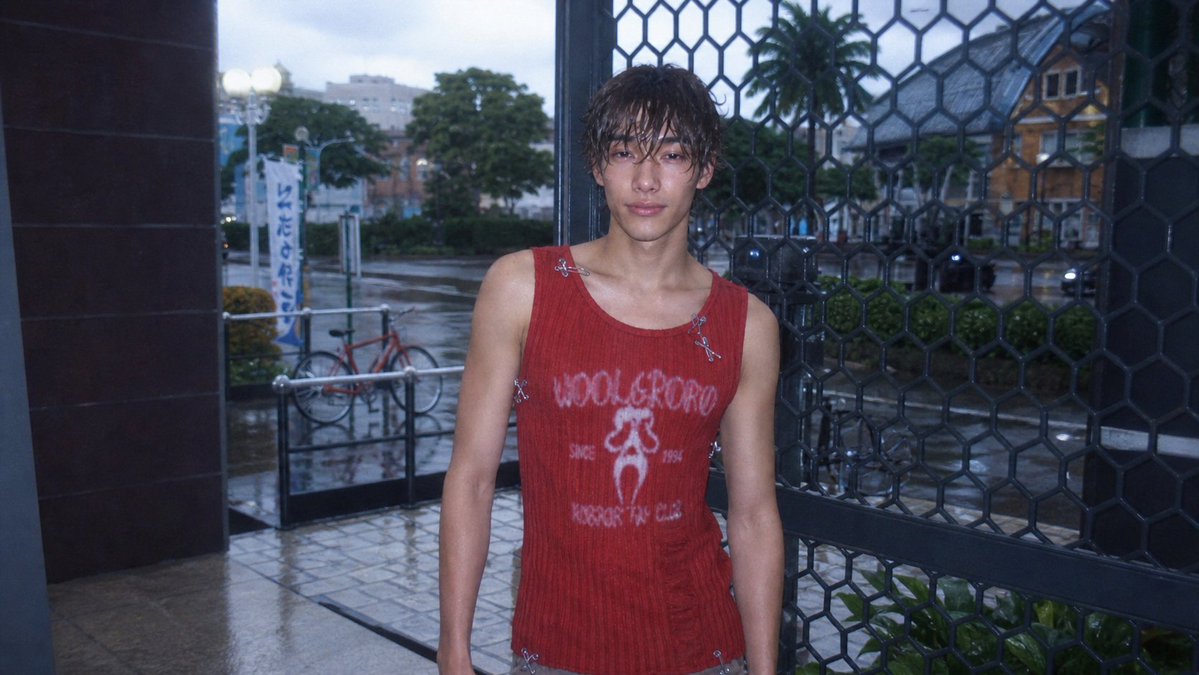
Using REFERENCE_0 as the base image, transform the Sims 4 screenshot into a realistic [photo style]. Keep the same character, outfit, pose, framing, storefront entrance, metal grid, bicycle, street, and overall composition, but make it look like a real candid photo rather than a game render. Add a cool blue dusk tone, harsh built-in flash on the subject, wet rainy pavement with subtle reflections, softened background depth, slight underexposure, visible digital noise, mild chromatic aberration, lens softness, vignette, and low-resolution CCD texture. Preserve the face anonymization as a soft square blur. Maintain a natural 16:9 snapshot crop with imperfect casual framing.



0 Comments
👥 Co-learning Circle 0
Observe other members' variables & configurations, and click "Study & Retry" to instantly import settings and practice!