

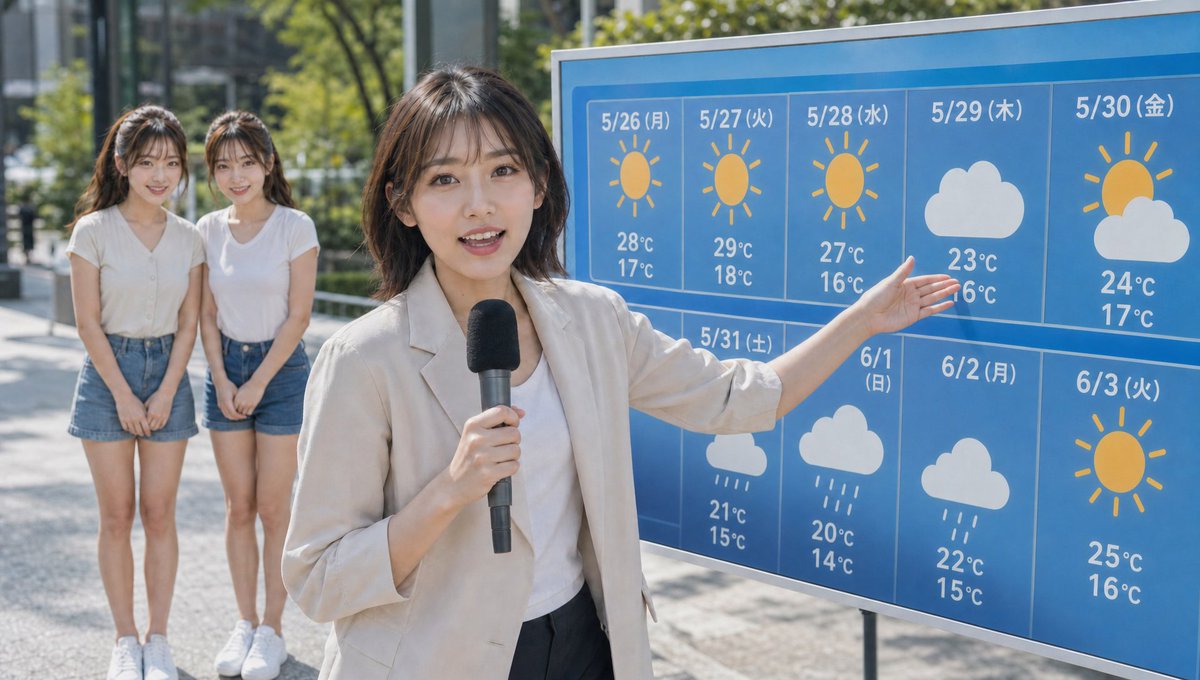
Maintain the twin figures from the reference image, realistic live-action style, outdoor live news broadcast scene. A weather forecaster stands in the foreground, pointing to a weekly weather forecast board and explaining the weather from today to next week. The board features weather icons like sun, clouds, and rain in a clear, television-style design. The weather forecaster is prominently shown in the foreground, explaining in a natural pose typical of a news program. In the background, two twins stand looking towards the camera. The twins' full bodies are clearly visible. They are wearing casual summer clothes, fresh T-shirts or light shirts, light summer attire. They are not carrying bags or other accessories. They have a natural look like ordinary people who happened to be caught in a news broadcast. Both look at the camera with a bit of curiosity. Bright daytime outdoors, natural light, a location like a city street or park. Realistic visual feel characteristic of TV broadcast cameras, shallow depth of field, natural composition typical of news programs, documentary style, photorealistic, ultra-high definition, realistic TV broadcast quality. Do not include corporate logos or text on clothes, signs, or the screen. Write the date and day of the week above each weather icon on the board, and the temperature below each weather icon. Change the bottom right icon to a sun. Do not change anything else.



0 Comments
👥 Co-learning Circle 0
Observe other members' variables & configurations, and click "Study & Retry" to instantly import settings and practice!