

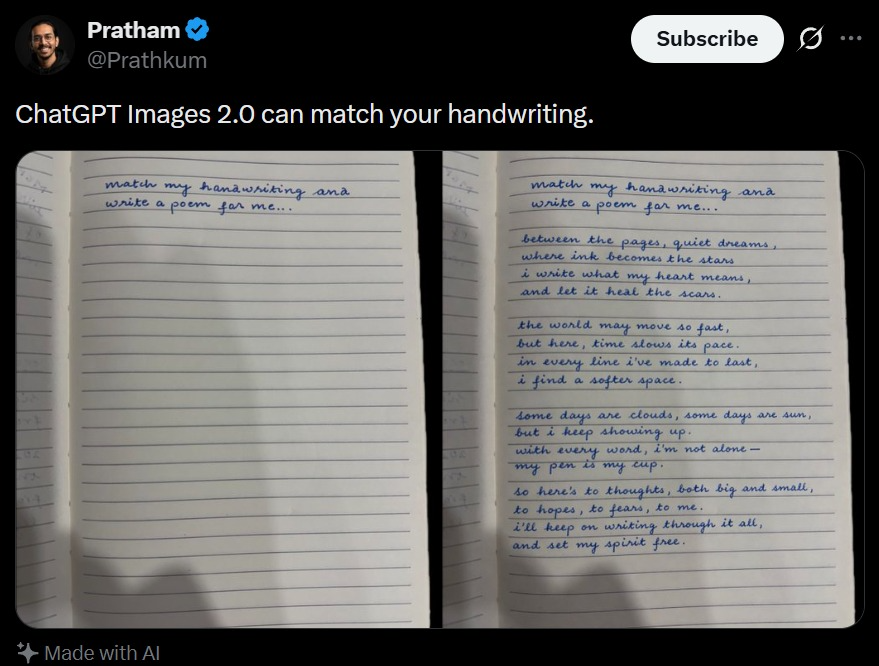
A realistic dark-mode social media post screenshot styled like X/Twitter on a black interface. At the top left is a small blurred circular profile photo beside the display name [profile name] with a blue verification badge, and the handle [handle] underneath. At the top right is a rounded white Subscribe button plus two small interface icons. The tweet text in large white sans-serif type reads: [tweet text] Below it is a side-by-side comparison image made of 2 notebook photos separated by a narrow black vertical gap. Both photos show an open lined notebook page shot from above under dim indoor lighting with soft shadows near the bottom edge. The left notebook page is mostly blank except for 2 handwritten lines in neat blue cursive at the top that say: [handwriting prompt text] Keep the misspellings and punctuation exactly as written. The right notebook page shows the same first 2 handwritten lines at the top, followed by a handwritten poem in matching blue cursive handwriting filling the page in 4 stanzas. The poem text reads exactly: [poem text] The handwriting should look natural, slightly uneven, and convincingly human, with blue ballpoint pen texture. At the bottom left of the post, include a small sparkle icon and the words “Made with AI”. Preserve the look of a genuine mobile app screenshot with realistic spacing, rounded image corners, crisp UI typography, and subtle screen-capture softness.



0 Comments
👥 Co-learning Circle 0
Observe other members' variables & configurations, and click "Study & Retry" to instantly import settings and practice!